Generate a AI Theme
Use the AI Theme button  in the top menu to generate a theme from an image. Upload an image, and AI extracts its styles and applies them to the relevant global settings to create the theme.
To generate a theme using AI:
-
Open a campaign in Email Designer.
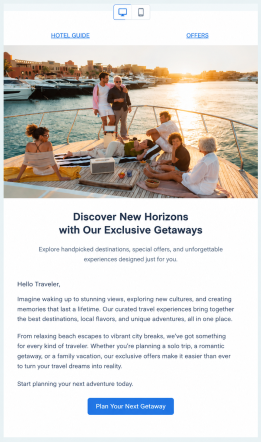
-
In the top toolbar, select the
next to Save and Preview.The AI theme generator dialog opens
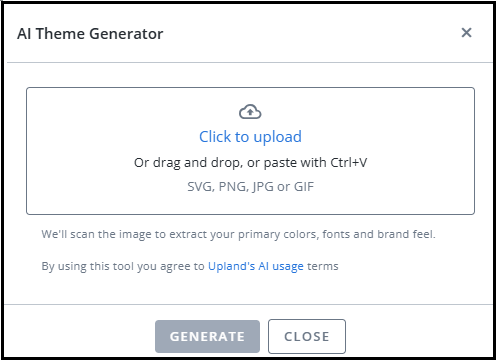
-
Select Click to upload to upload the image.
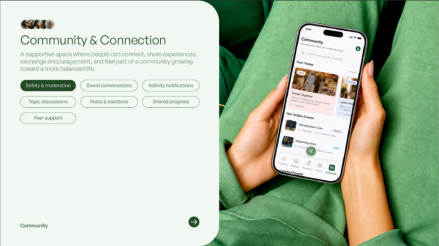
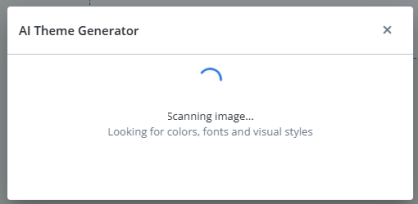
AI theme generator dialog opens, that scans the uploaded image for colors, fonts and visual styles.
-
Click GENERATE
The generated styles are applied to the relevant global settings.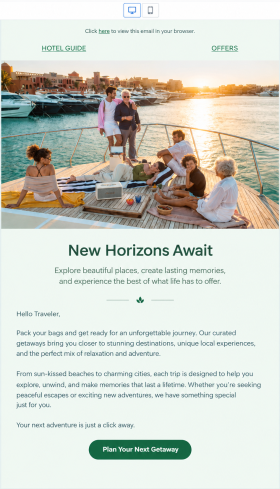
-
Review and adjust the settings as needed.
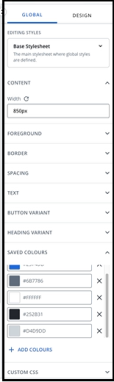
-
Click Save to save the theme so you can reuse it in other campaigns.
-
Click CLOSE.