Cached Reports
Cached reports for faster performance
We are excited to announce that Cached Reports have been enabled for all accounts.
This feature gives you more control over how your data loads, allowing you to prioritize speed and performance for a smoother reporting experience.
Why use Cached Reports?
We understand that speed is critical when analyzing your campaigns. By using the Cached Reports option, you can significantly improve the load performance of your reports.
If you don't require minute-to-minute data updates and prefer a faster loading experience, switching to the cached view is the perfect solution. This is especially helpful when reviewing performance trends where immediate real-time data is not essential.
Cached reports are updated twice daily.
How to use the feature
Cached Reports is now enabled by default, but you can easily select your preferred reporting method on the Summary Report page.
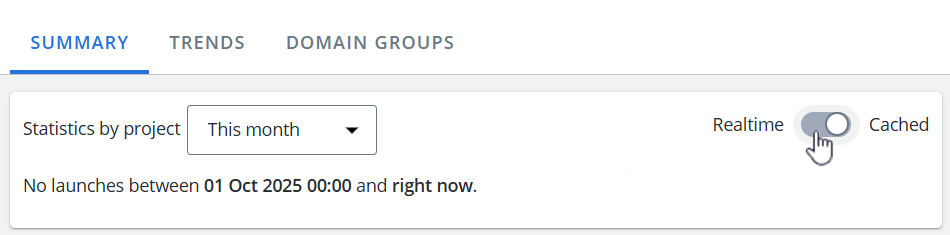
Furthermore, you can save your choice to be remembered as the default setting. Whether you prefer the immediacy of real-time data or the improved speed of cached data, your reporting environment will be tailored to your needs.