Access Control
Access Control is a security technique that regulates what roles can view or use options in Analytics.
The following columns display:
-
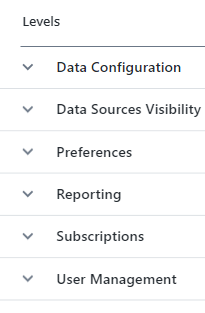
Levels: Displays the Analytics application options that you can apply permissions to.
-
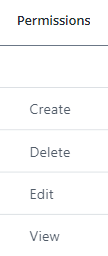
Permissions: Displays the permissions that you can give a role per option.
-
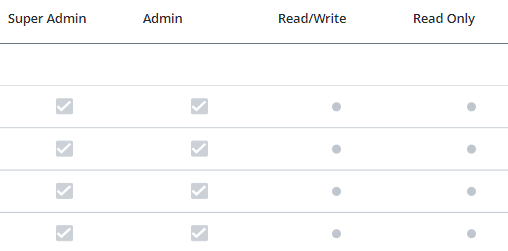
Roles: Displays both default and custom-created roles (if any) along with their assigned actions. Default roles are Super Admin, Admin, Read/Write and Read Only. By default, Super Admin and Admin have full access to all Analytics options. While Super Admin permissions cannot be changed, you can modify Admin, Read/Write, and Read Only roles, or create new custom roles to fit your needs.
You can do the following: