Download and Extract the AutoClassifier Files
- Go to the Upland Right Answers Portal using the log in information provided by your BA Insight representative.
-
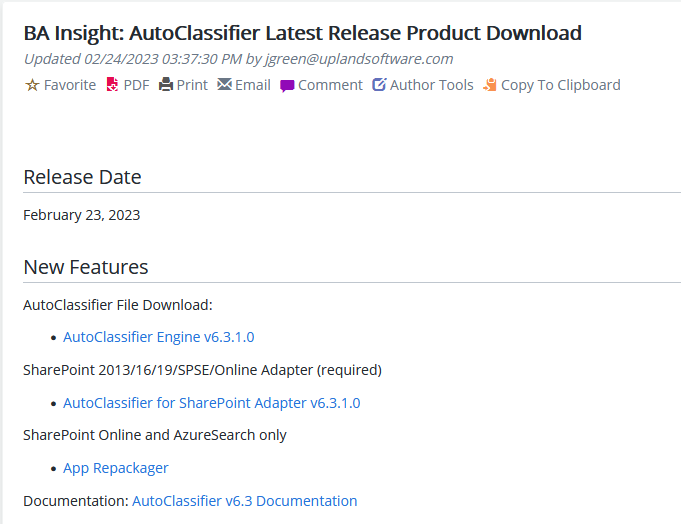
Download the AutoClassifier files required for your network environment.
-
For example, an environment employing a SharePoint Online search index that deploys AutoClassifier to a SharePoint Online destination is shown below.
-
-
Unzip the distribution file BA Insight AutoClassifier Engine<version>.zip contents to your destination Microsoft IIS server.
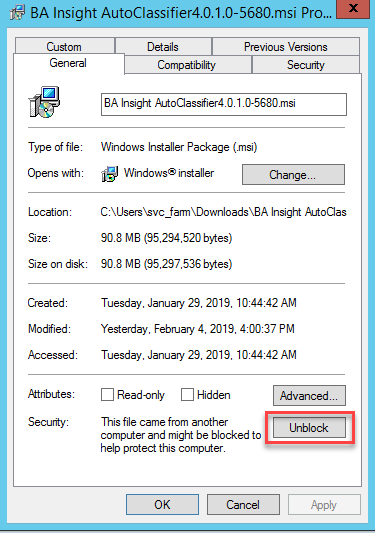
- Unblock the .msi installation file and click OK.