Authenticate the Connector with Egnyte
Use the following instructions to acquire the token necessary to configure your connector in later topics.
- Browse to the new HTTPS-bound oAuth page.
Example: https://egnyte.domain.local/oAuth.aspx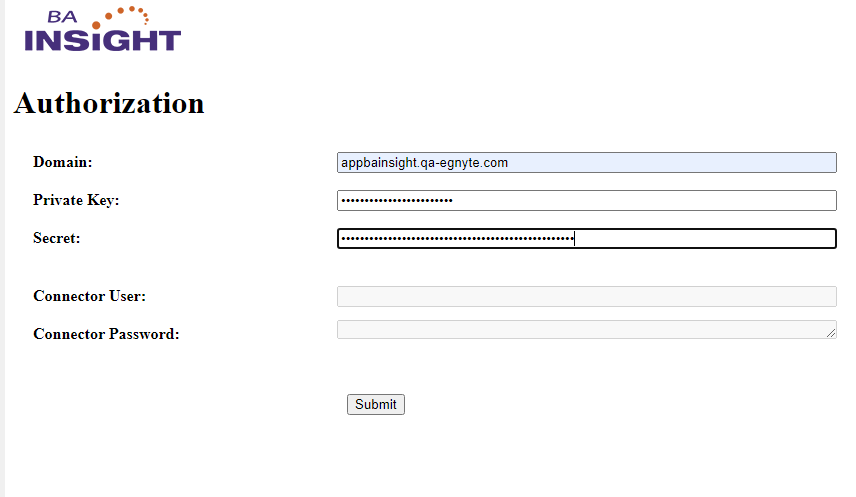
- Enter the following obtained from Egnyte during the initial setup:
- Domain
- Private Key
- Secret
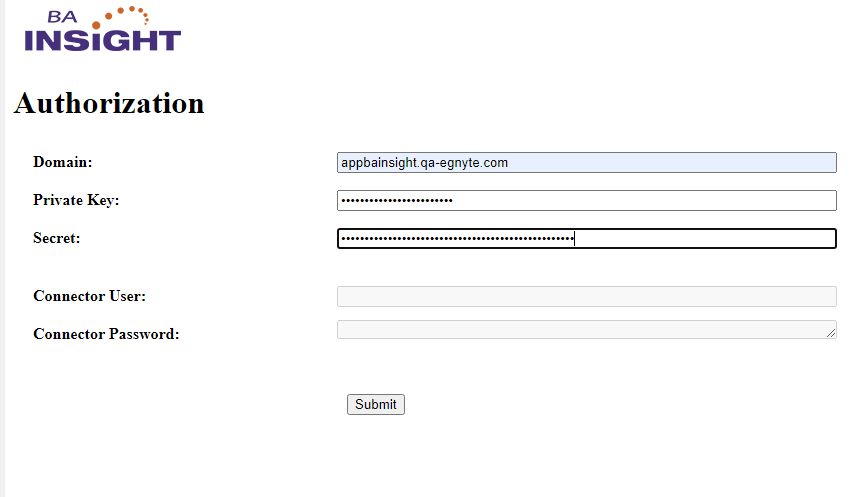
- Click Submit and you are redirected to the Egnyte Authorization page.
- Log in as an authorized user:

- Click "Allow Access."
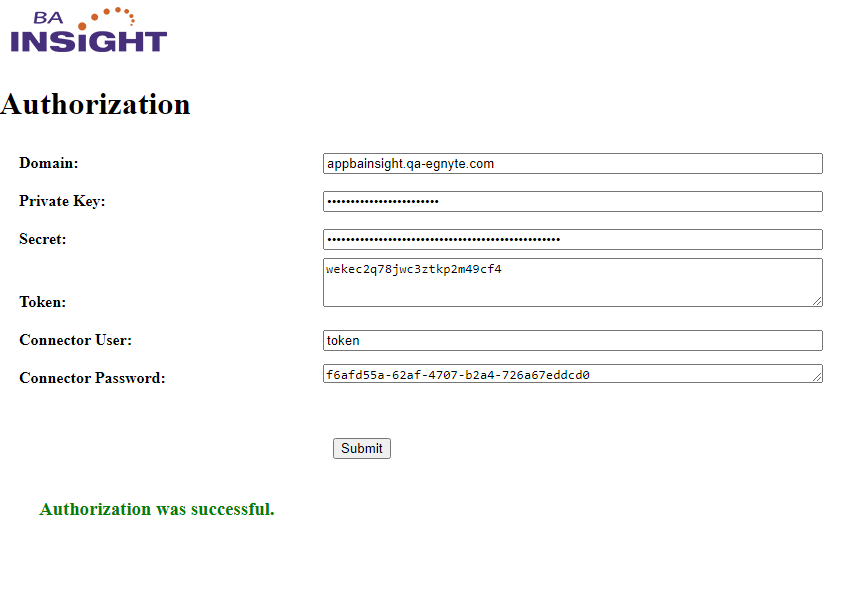
- Copy the Connector User and Password to use later when configuring your connector.