How to Configure Your Adobe Experience Manager Connector Using Web.config
Like all BA Insight connectors, the Jira connector has a web.config file that can be used to make specific, advanced modifications to your connector.
Modify your connector's web.config file only when necessary.
This file contains settings that are NOT commonly changed.
Make changes to this file with caution.
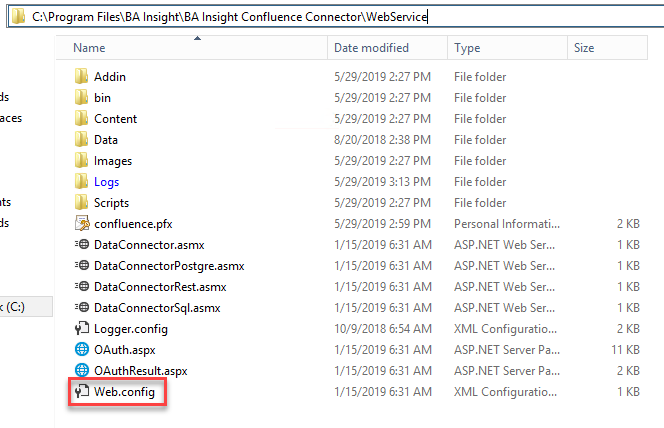
Location of Web.config File
The web.config file is located at <ConnectorRoot>\WebService\Web.config.
Web.config File Details

- apiPageSize
- Maximum number of items to retrieve in one call to Adobe Experience Manager.
- Default value: 100000.
-
skippedProperties
-
List of property names for the connector to not return.
-
(Skip properties with big values for performance reason for example.)
-