How to Configure the Connector
All BA Insight connectors share a number of common configuration options.
This section describes only settings specific to this particular connector.
For step-by-step instructions on how to configure a connector, please refer to Connectivity Hub online help or Connector Framework online help.
Required Configuration Settings
-
The connector Web service URL uses the following format:
http://<YourMachineName>:2837/dataconnector.asmx
If you changed the port during connector set up, use the value you specified instead. -
Enter connector login credentials into the Certificate and Password fields. The connector supports certificate authentication only.
-
Certificate field should contain certificate distinguished name.
Example:CN=myserver.mydomain.local, CN=BA Insight Azure Blob ConnectorYou must ensure you enter your certificate information in the same way it's stored in the certificate:
- For self-signed certificates generated by script provided by BA Insight, use Subject value from the script output exactly as it's formatted
- For other certificates (or if the script output is lost), follow the rules listed in How to Determine the Certificate Distinguished Name section
Note that extra (or missing) spaces in this field may cause the connector to fail finding the certificate.
-
Password field contains the Azure application ID.
Example:80884187-afar-4559-8b69-6b59faa0e52d
-
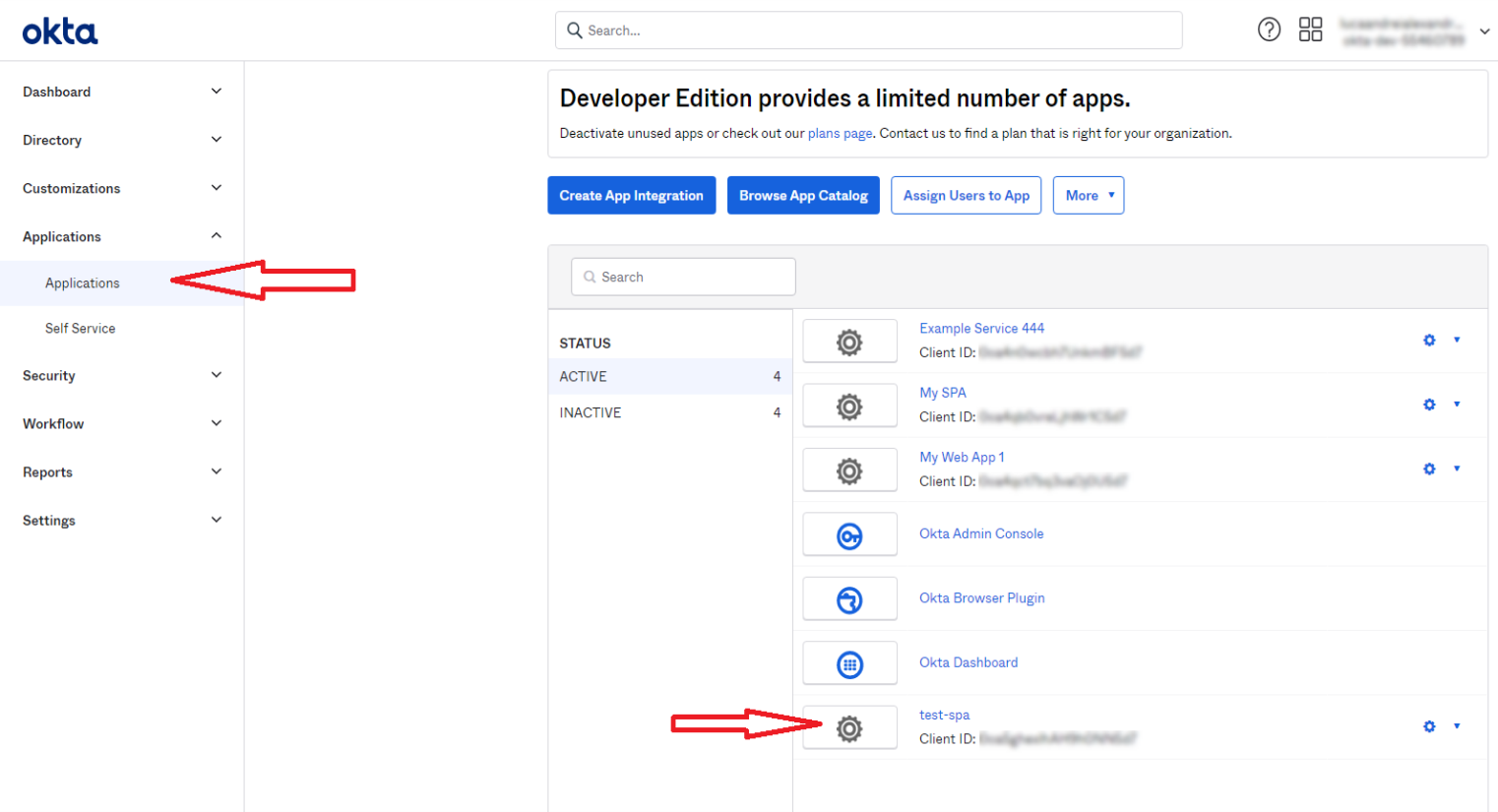
- Storage Account Resource ID:
- To find your Storage Account Resource ID:
- Go to Storage Accounts from your Azure Portal
- Click your storage account
- Go to Properties:
 |
|
- To find your Storage Account Resource ID:
- Tenant Name:
You can find this in Azure Portal by going to Azure Active Directory
Example: mydomain.onmicrosoft.com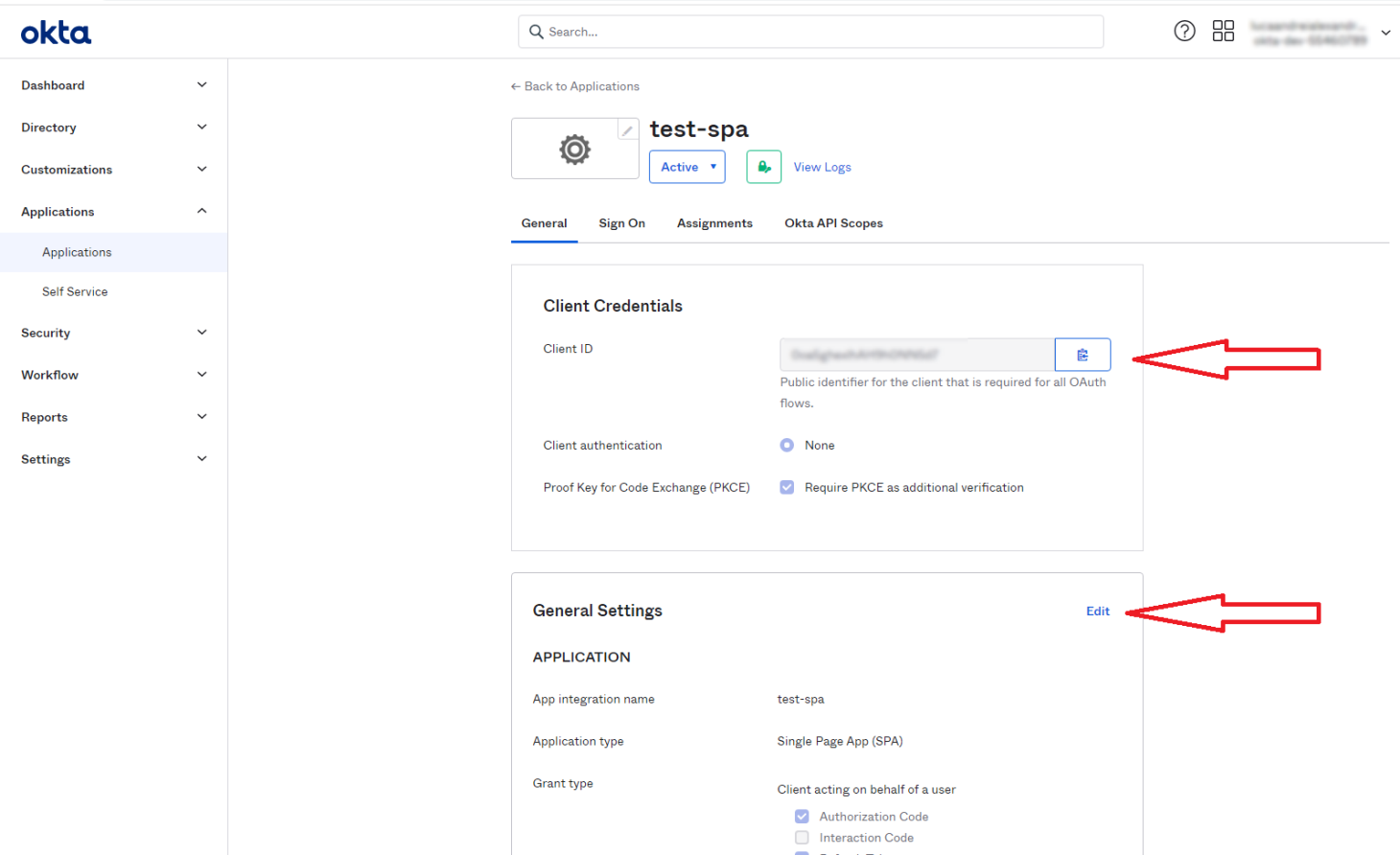
Optional Configuration Settings
-
Custom metadata:
-
Specify one ore more custom metadata fields to add (separated by comma).
-
Example: customfield1,customfield2,customfield3
-
Datastore Types Load is required if this field is changed
-
- Max file size:
- Specify the maximum file size allowed in megabytes.
- Files exceeding this value will not have their content crawled, only metadata.