Install the Egynte Connector
All BA Insight connectors can be downloaded from Right Answers under Knowledge > BA Insight > Product Downloads > Connectors.
This connector is installed with the same generic steps as any BA Insight connector.
Satisfy the Prerequisites for your connector before installing.
Configuration specifics are detailed below.
Connector-specific Installation Details
- Download the Egnyte connector for your search index and target destination.
-
Run the setup wizard and enter the necessary information into the corresponding fields when prompted.
To use the Self-Signed High Trust Certificate Generation page the Site App Pool Account must be a local Admin to allow access to the Certificate Store.
Once the certificate has been created, the requirement can be removed.
If you are using an X.509 Certificate from a Certificate Authority, this requirement is optional.
-
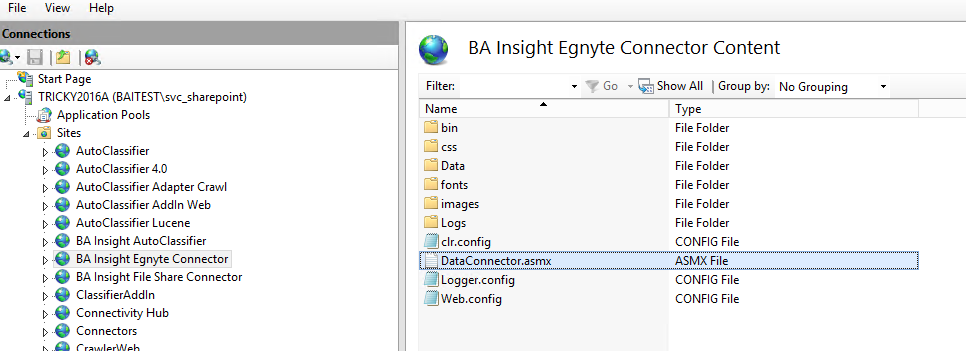
Once installed, openIISand expandSitesfrom the left side navigation.
- If you installed the Egnyte Connector successfully, it appears under theSitescategory.