Troubleshooting the SharePoint Online O365 Connector
- The SharePoint Online O365 Connector does not retrieve 'hidden' properties for the items crawled.
- If there are properties which you want to include from this category, they must be listed in connector's web.config file under "
ListOfHiddenColumnsToInclude". - A complete record of the 'hidden' properties which have been ignored is listed in the connector logs, (when your Log level is set to DEBUG)
Previews Not Displaying
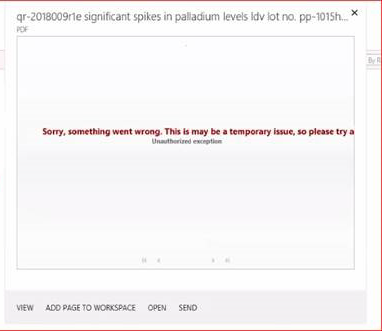
If you encounter a scenario in which your document previews do not display (see the below screenshot for an example), and receive the error "Unauthorized Exception", you must make changes to your escbasecrawlurl managed property.
-
For example, Preview may run a search query that fails for some escbasecrawlurl(s).
Use the following procedure to modify your escbasecrawlurl managed property:
- Change the escbasecrawlurl managed property to be searchable and exact match.
- Reset the Search Host Controller (windows service) on ALL Search servers.
-
Run a Full crawl on the content source(s).
Note: You must recycle the Search Host Controller service after making the schema change.