At the highest level, Channels are used in Engage to move data from one location to another.
For example, a text channel can export data to a specific file at a specific location. An FTP channel might export the data in the same way, then automatically FTP it to a third party. If you are using one of our email partners, an email channel can automatically load the data and execute a campaign, all from within BlueVenn Engage.
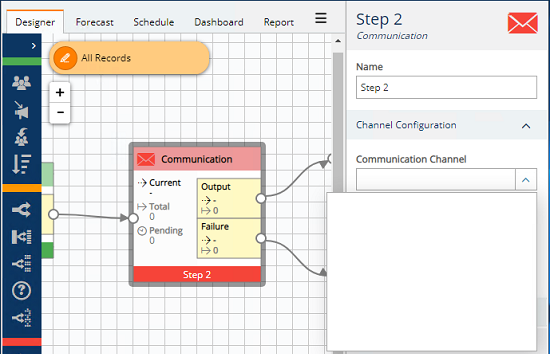
To use a Communication Channel within a campaign, you add a Communication action step, and then select the type of channel. The available channels are listed in the dropdown menu on the a Campaign's Communication step.
Confirmit Channels are used when you want to include a personalised survey link in a campaign email and collect response information.
A Facebook or Instagram Channel interfaces with Facebook for Business to help you customise your ads to match your audience.
With the Google Audience Channel you can synchronise your Engage data into Google Audiences.
Salesforce Channels can be used to send specific information about leads from Engage to Salesforce. As part of a campaign, specific field information from up to 200 leads at a time can be automatically imported into Salesforce.