Cimpl Fall Release - November 2023
Enhancements/Improvements
Billing Center
AP Posting
Note: AP Posting currently does not support multiple-provider generation for AP files. Users must create an AP file by account(s) for one provider at a time.
We have implemented a new streamlined AP posting process. Specifically, the following enhancements have been made:
-
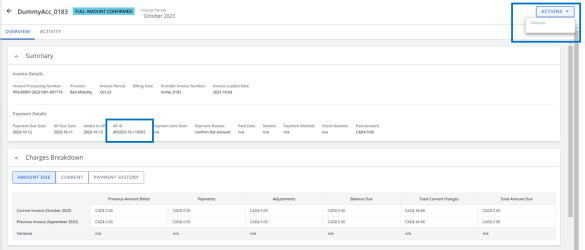
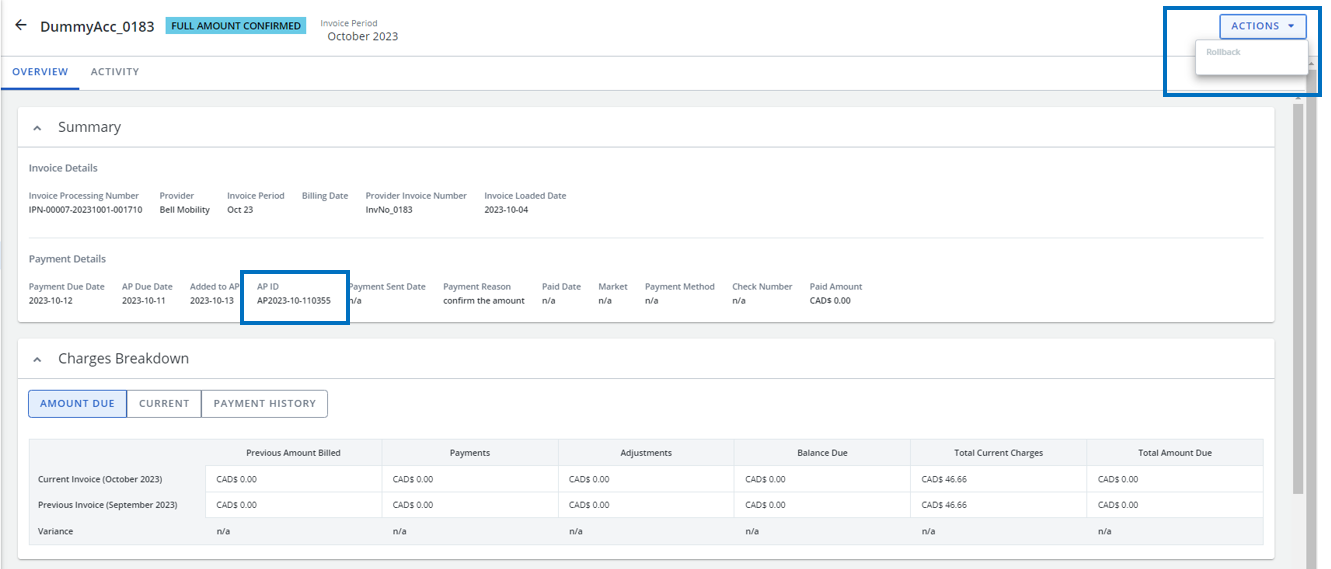
To prevent duplication of payments, accounts that have been confirmed in Payment Readiness can no longer be rolled back once generated on an AP file (i.e., these accounts contain an AP ID which means they have already been paid).
-
The New AP button now opens a page instead of a form, allowing Cimpl’s Managed Services to either select accounts to be paid from a list or enter them manually by clicking “Enter Accounts”.
-
The following columns have been added to the create new AP accounts grid:
-
Invoice Number
-
Provider Name
-
Confirmed Amount
-
Total Current Charges
-
Currency
-
Payment Due Date
-
-
The Accounts section has been added to the details tab of AP posting.
-
Enhanced AP file management:
-
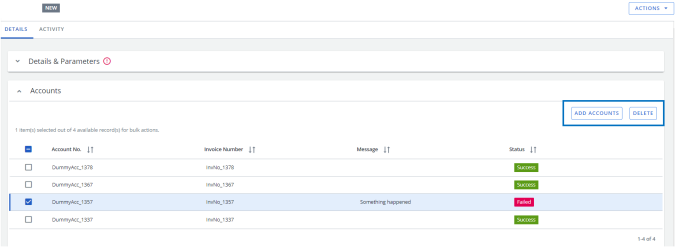
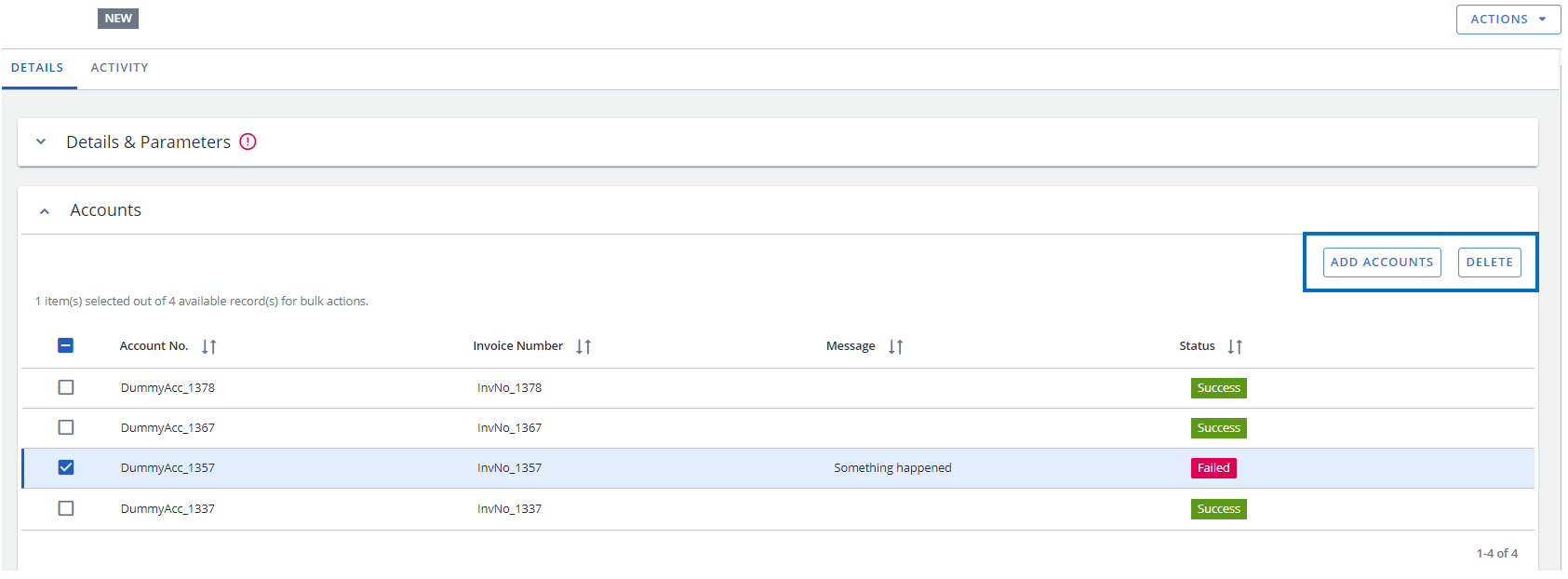
By using the new “Add Accounts” button within the Accounts grid of AP file details page, Cimpl Managed Services can now add additional accounts to an AP file. The AP file will automatically be regenerated, replacing the existing one.
-
If an account was added to an AP file by mistake, Cimpl’s Managed Services can now delete this account from the file. The regeneration of the AP file will automatically occur, replacing the existing one.
-
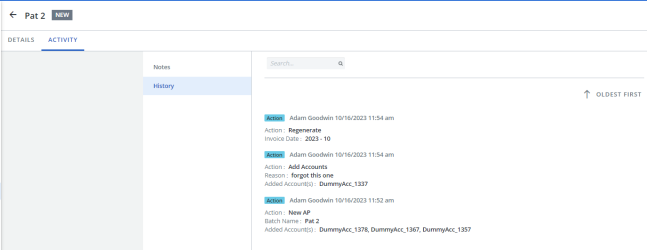
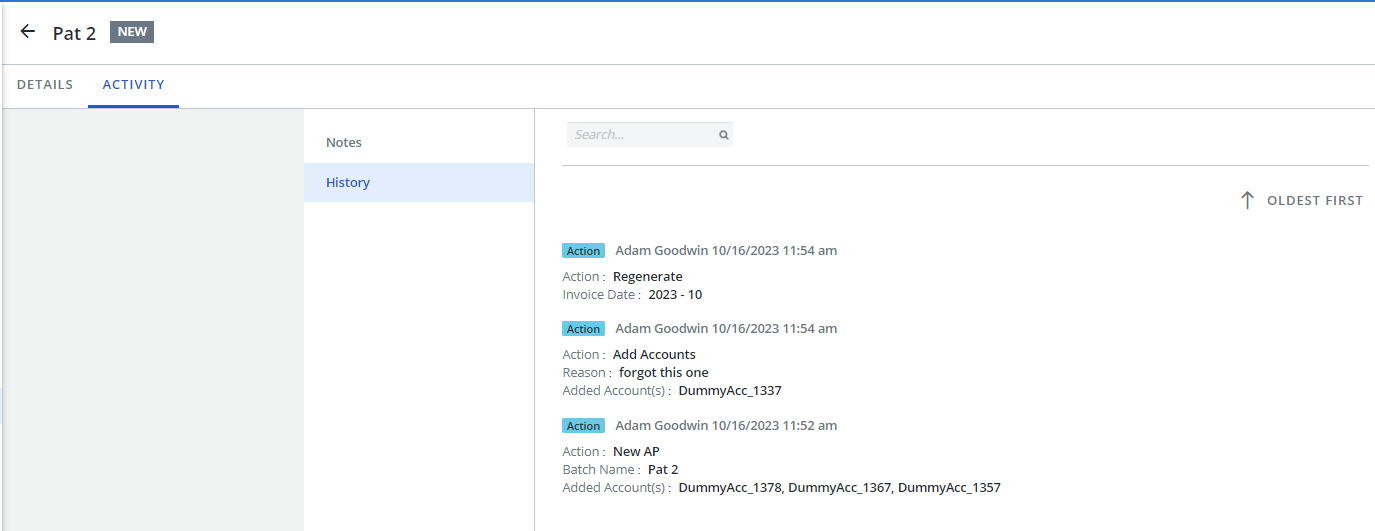
The History section on the Activity tab now logs the Add and Delete account activity. This helps identify who made any changes.
-
Discrepancy Tracker
-
To identify various discrepancies more easily between inventory and invoice, the following options and statuses have been added to the Advanced Analysis tab:
-
Option
-
Assign Service level cost center.
-
Re-Connect Service
-
-
Statuses
-
Service disconnected more than 3 months ago.
-
Service disconnected less than 3 months ago.
-
Missing Cost Center at service & account level
-
Invalid Cost Center
-
-
Configuration
-
The Send Workorder: “Include PDF” option selected by default checkbox has been added to the Parameters tab in Tenant Options to allow system administrators to set the default for the Include PDF checkbox when sending a workorder email for pending workorders.
-
The following Advanced Analysis options have been added to the Parameters tab in Tenant Options to allow system administrators to enable or disable statuses in the Advanced Analysis section of discrepancy tracker:
-
Advanced Analysis: Enable status 'Service disconnected more than 3 months ago'
-
Advanced Analysis: Enable status 'Service disconnected less than 3 months ago'
-
Advanced Analysis: Enable status 'Missing Cost Center at service & account level'
-
Advanced Analysis: Enable status 'Invalid Cost Center'
-
-
MRC and NRC cost options in the workorder have been added to the Parameters tab in Tenant Options to allow system administrators to turn pre-population on or off.
Inventory
-
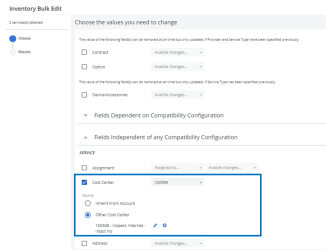
The Bulk Edit function now allows you to edit Cost Center for multiple services at once.
-
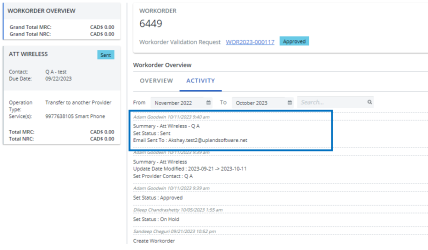
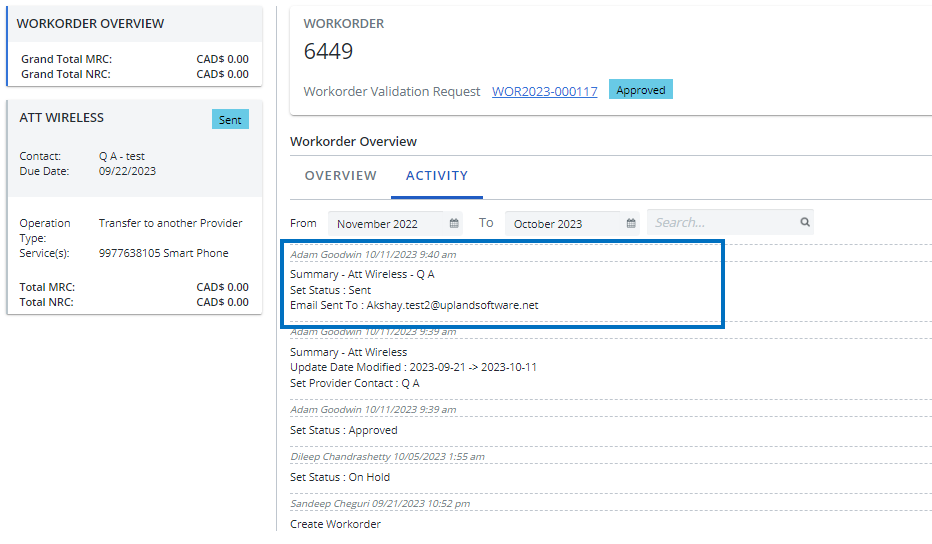
When a workorder is sent to a provider, the email recipient(s) displays in the Activity tab.
-
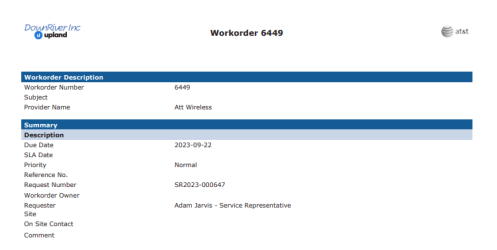
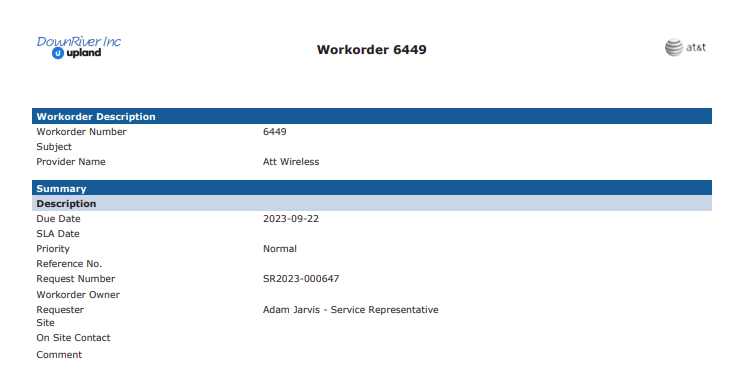
Workorder PDFs now display the client logo instead of the Cimpl logo.
Scheduler
Invoice Scheduler
-
Invoice Summary and Invoice Details PDFs now display the client logo on wireless User Statements instead of the Cimpl logo.