Cimpl Fall Release - November 2024
Enhancements/Improvements
New SLO Tracking System using Analytics
We’re excited to announce the launch of our enhanced SLO (Service Level Objectives) tracking system, designed to streamline invoice payment processes and eliminate manual tracking. This new system automates key tasks, boosting efficiency and reducing the risk of errors. Here are the standout features:
-
Comment Synchronization: Automatically syncs comments across Cimpl and Analytics, ensuring accurate and consistent tracking.
-
Automated Flagging: Accounts flagged in Cimpl are instantly reflected in Analytics, reducing manual updates and keeping information current.
-
Automated AP Updates: AP filenames and amounts are auto-populated in Analytics, saving time and minimizing mistakes.
-
Simplified SLO Tracking: Approval requests and AP file dates are now auto-populated directly from Cimpl into Analytics, streamlining the management process and reducing manual input.
-
Reverse Feed Integration: Reverse feed data is automatically synced into Analytics, keeping your records accurate and up to date with minimal effort.
-
Client Customization: The system’s flexibility allows it to be tailored to each client's specific needs, providing greater usability and satisfaction.
For more information about the SLO tracking, contact your Managed Service Manager or CSM.
Self Service
-
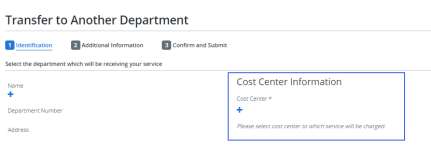
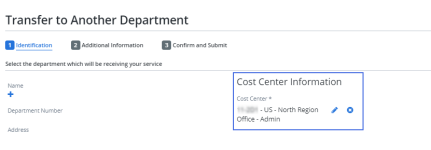
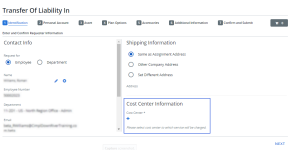
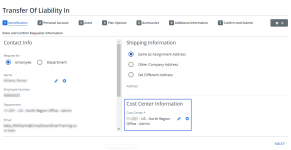
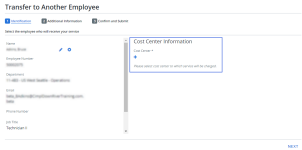
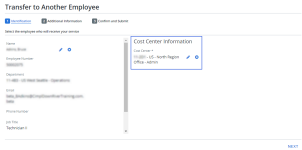
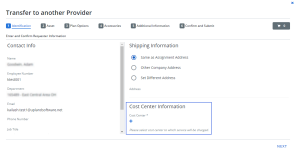
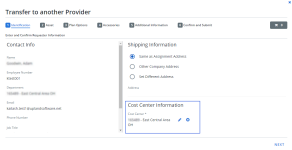
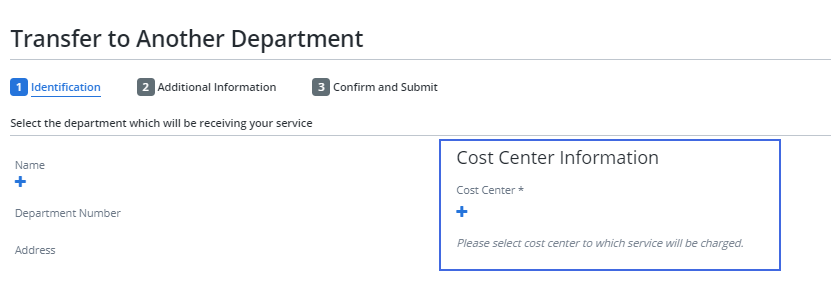
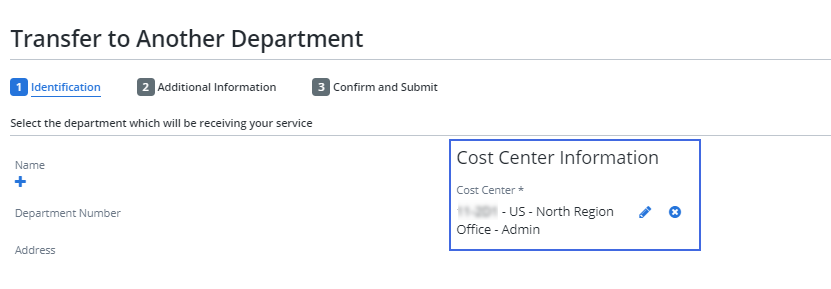
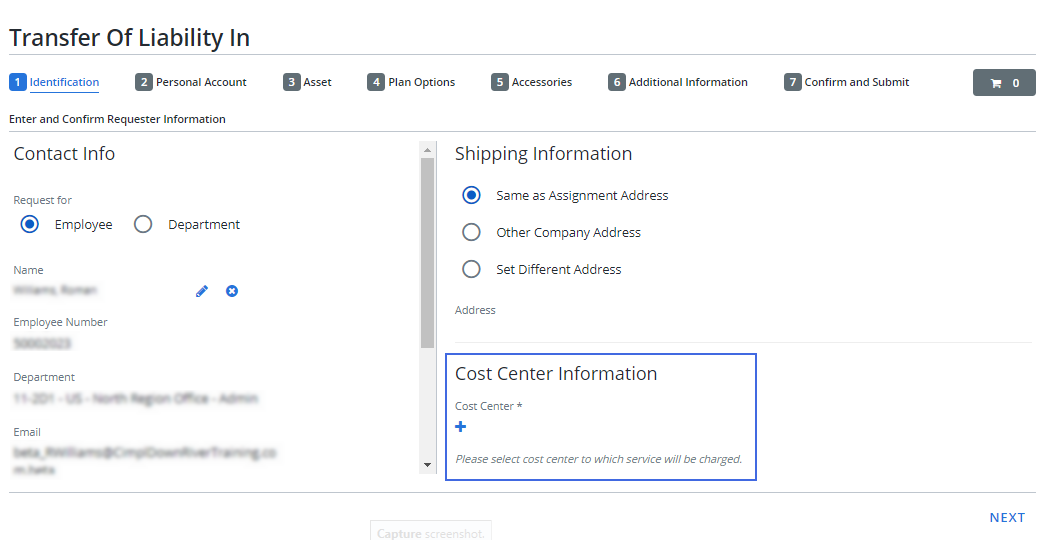
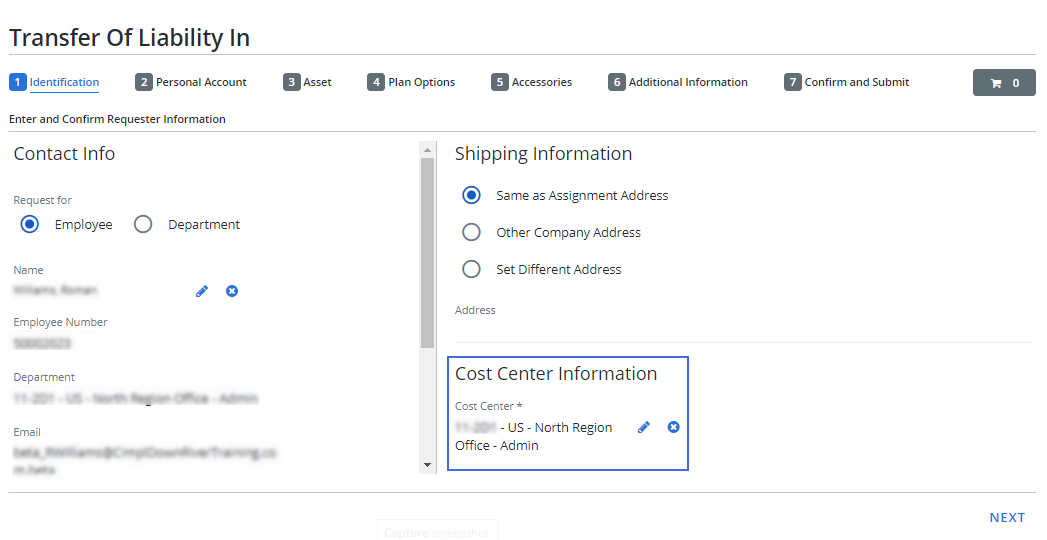
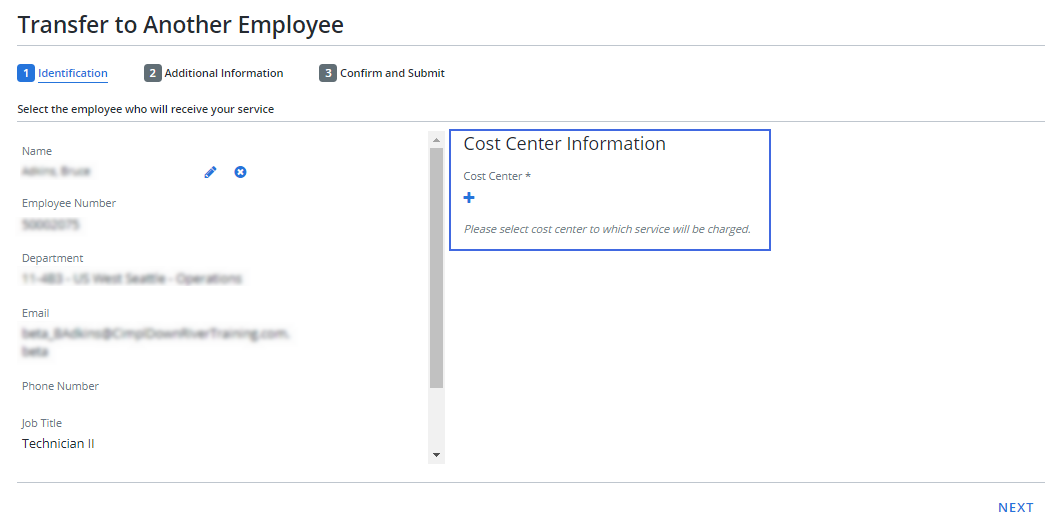
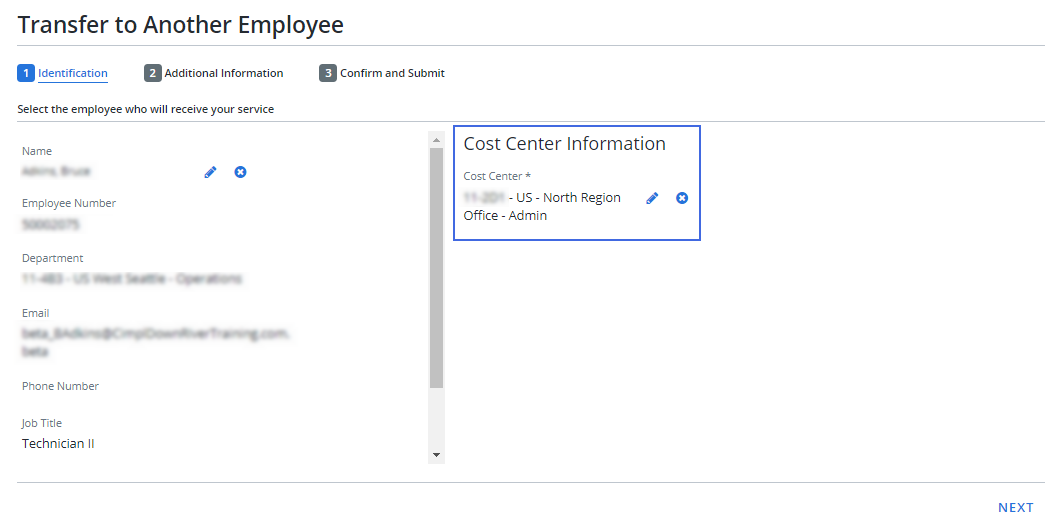
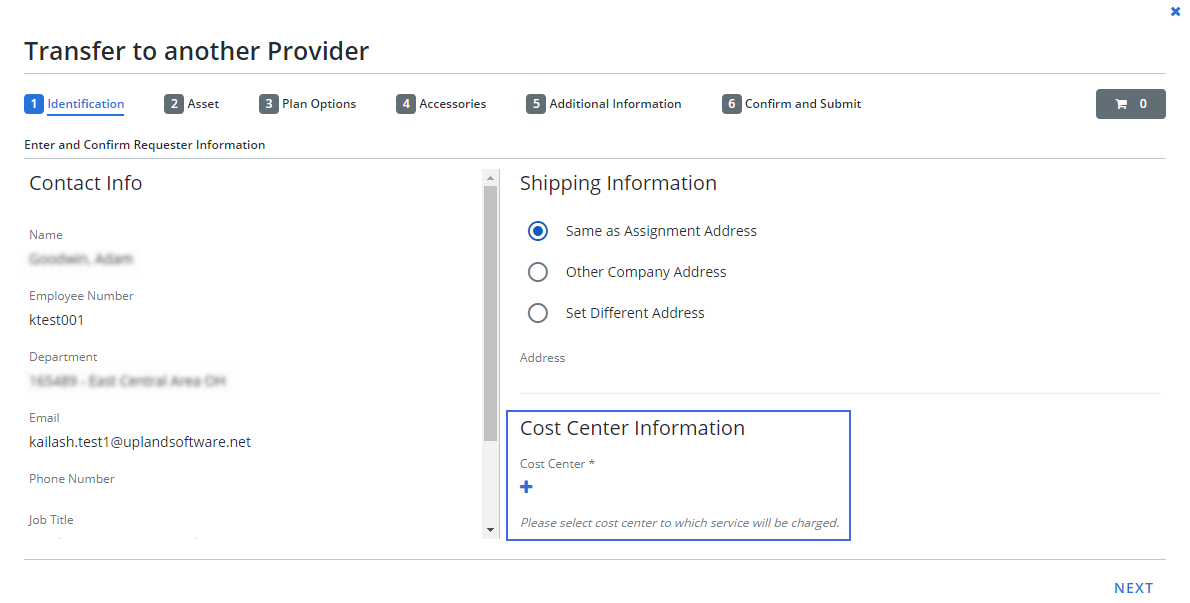
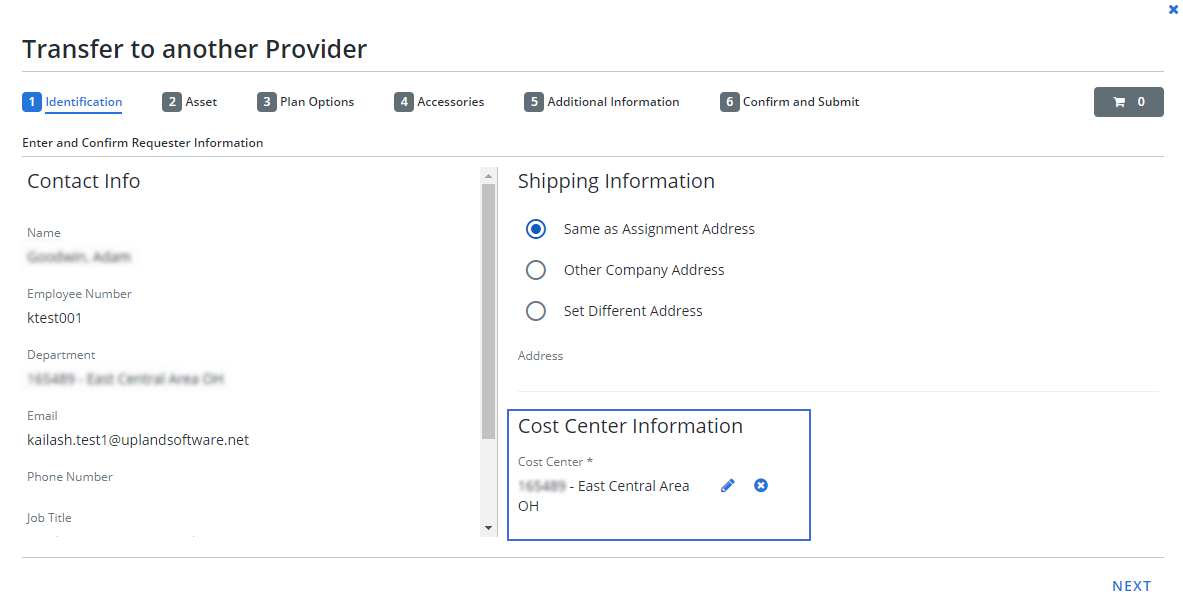
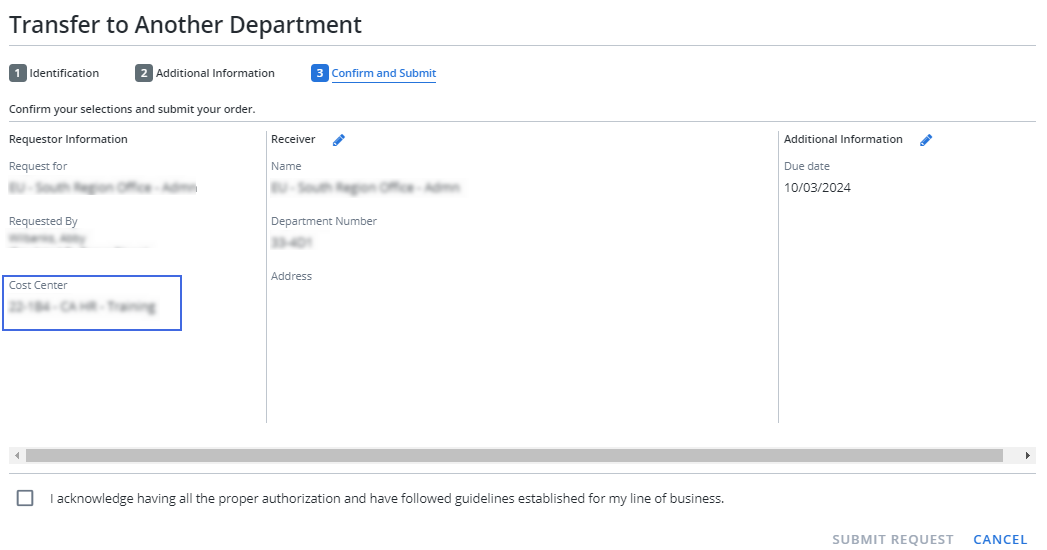
The cost center information section, which allows you to enter cost center details has been added to the following service flows:
-
Transfer to Another Department
-
Transfer of Liability In
-
Transfer to Another Employee
-
Transfer to Another Provider
-
-
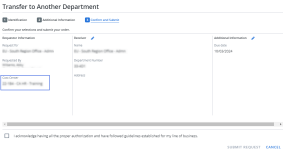
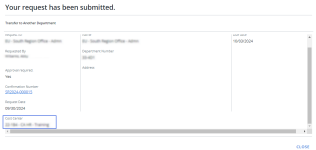
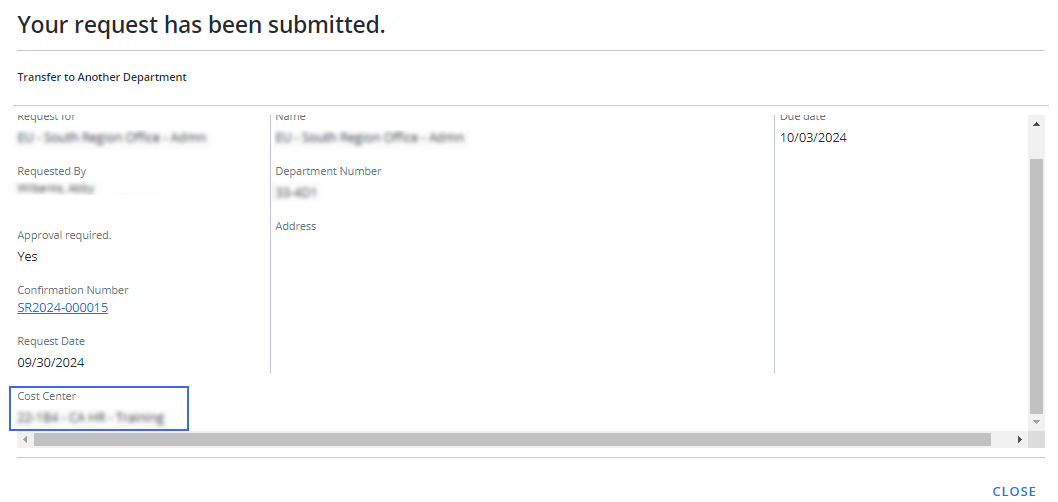
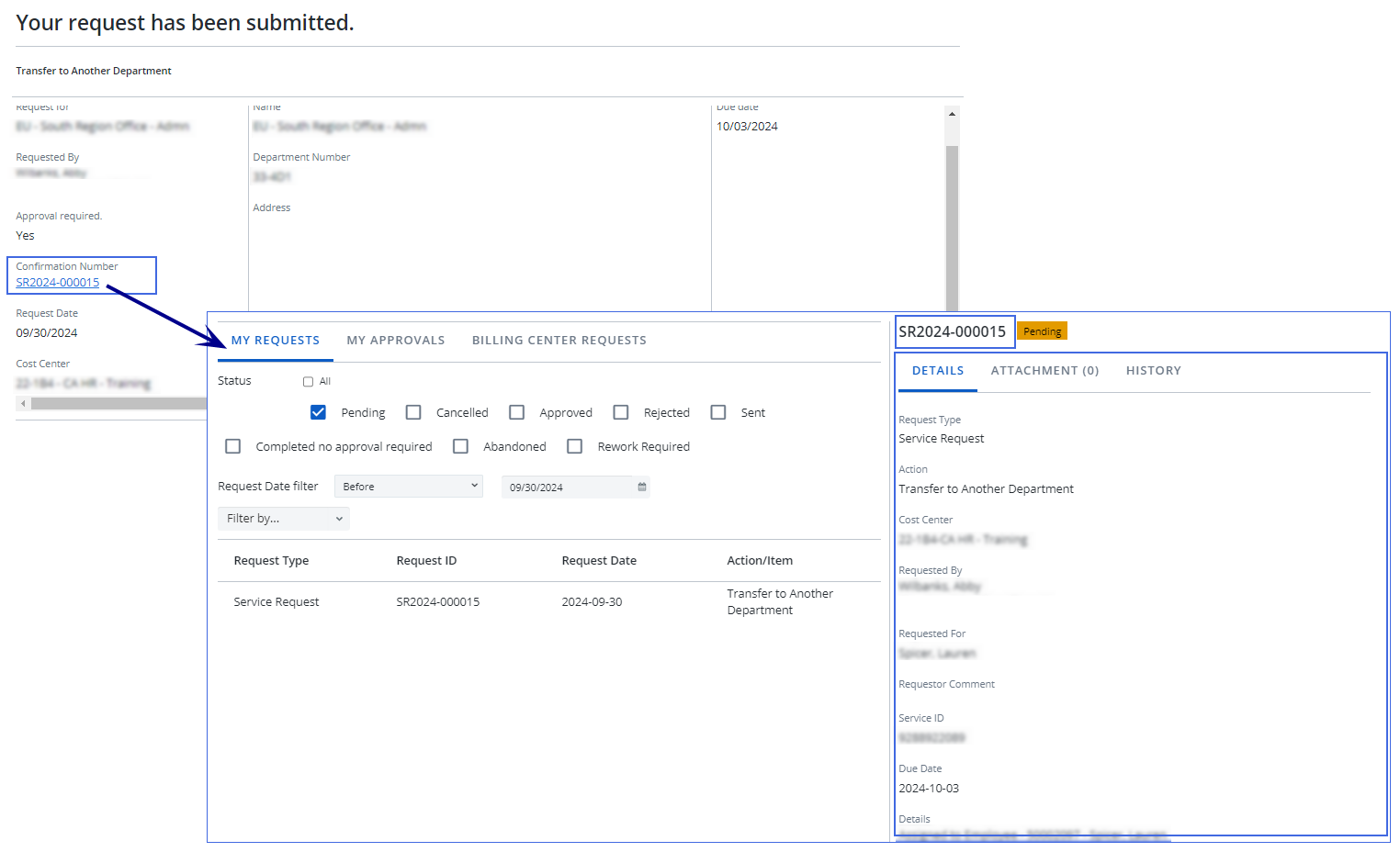
Cost center information is now displayed on both the request confirmation and request submission screens.
-
Request confirmation
-
Request submission
-
-
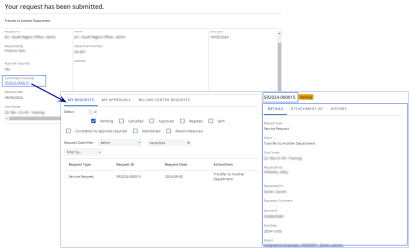
The confirmation number on the request submission screen is now linked to the My Requests tab.
-
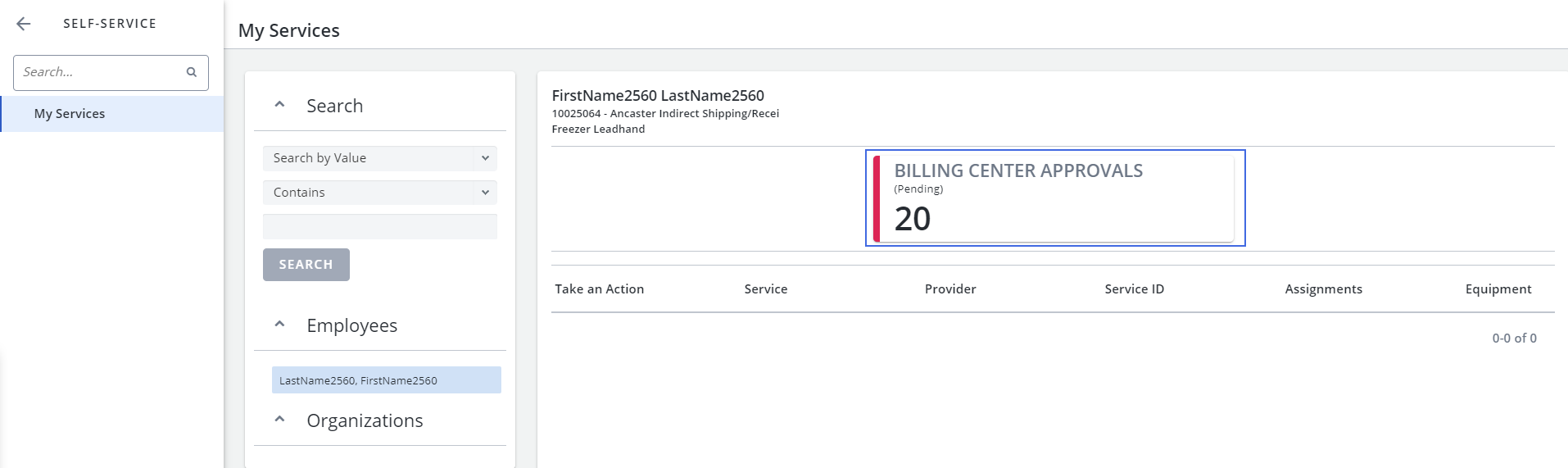
The Billing Center card has been added to My Services for users with Approver permissions and access to Billing Center Requests and Billing Center Configuration.
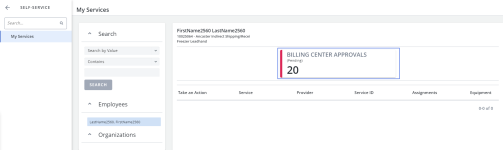
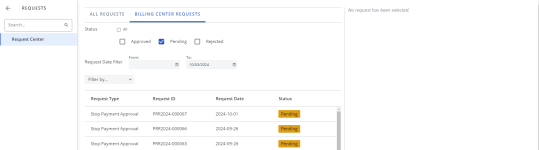
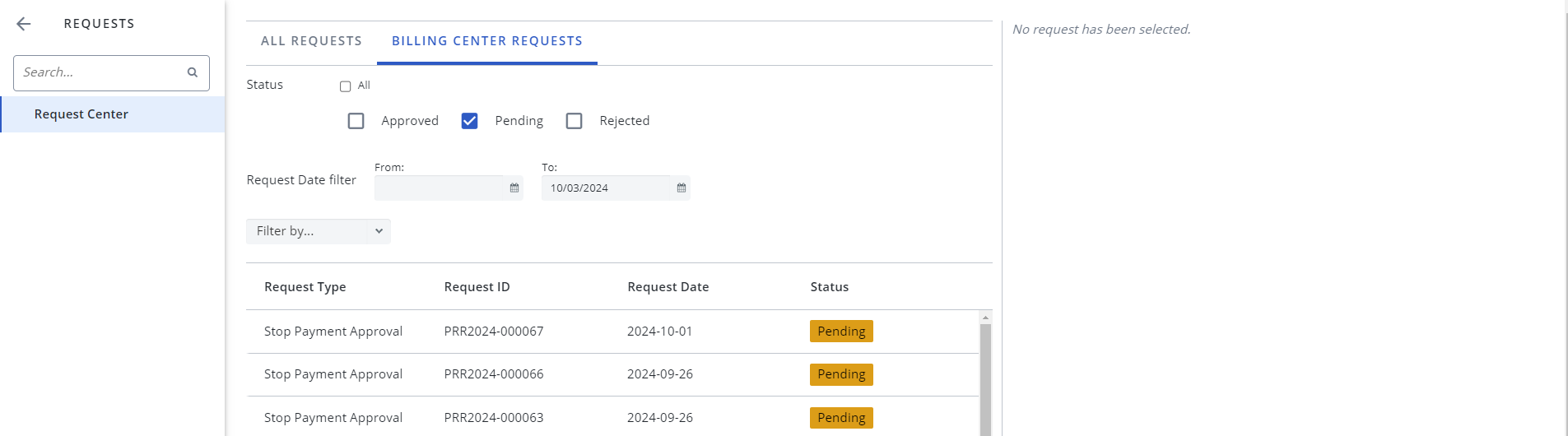
When you click on the card, you will be directed to the Billing Center Requests tab in the Request Center.
Inventory
-
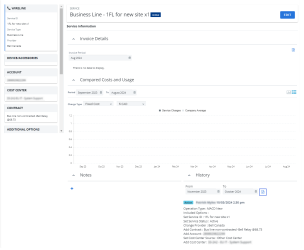
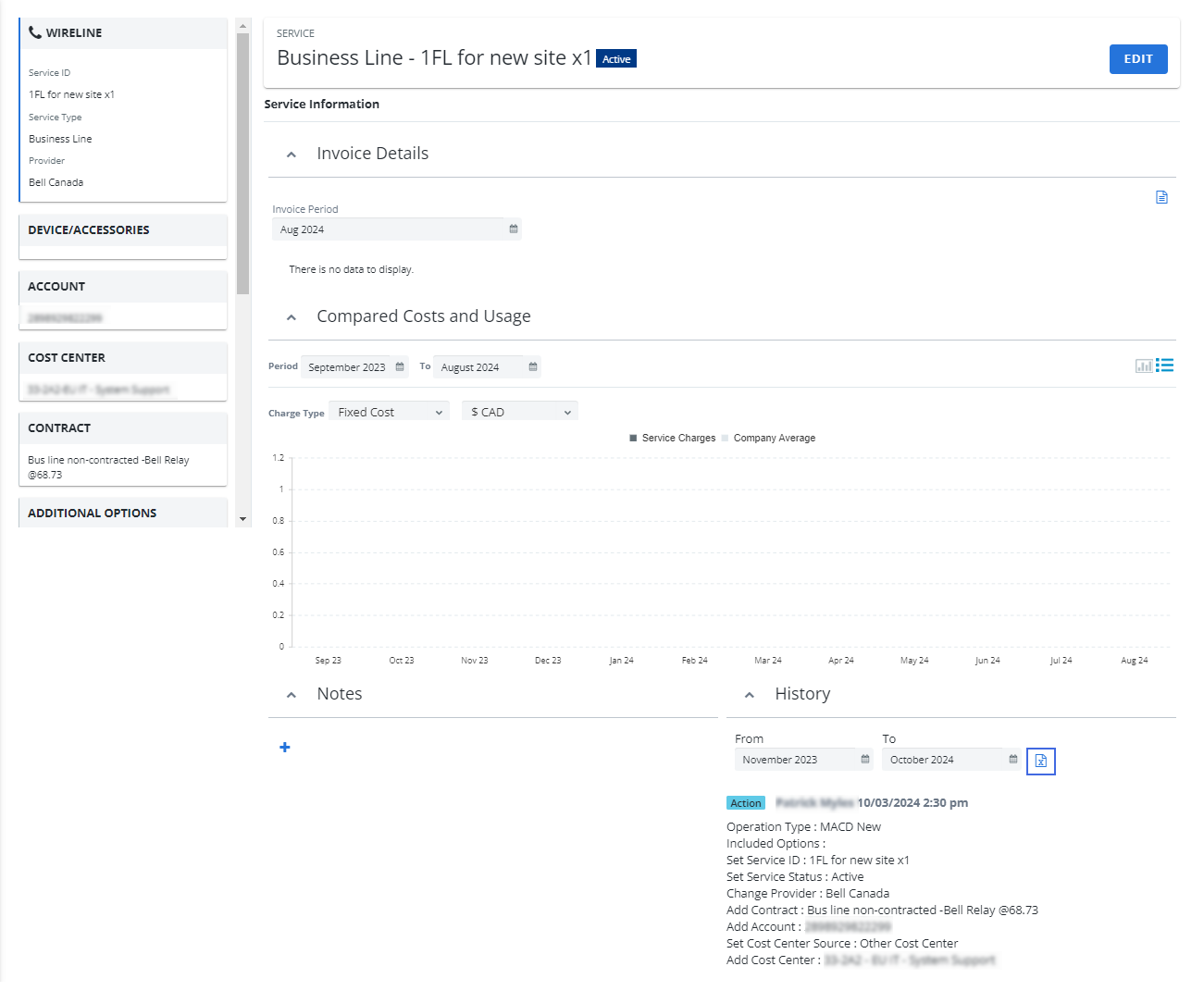
You can now export inventory history to Excel.
-
Go to Inventory > Inventory Management
-
Open an inventory item.
-
Scroll to the History section.
-
Click Export History
 . An Excel worksheet is created.
-

-
When executing inventory changes, the Quantity field is no longer displayed when the Update Inventory Only option is selected.
Workorders
-
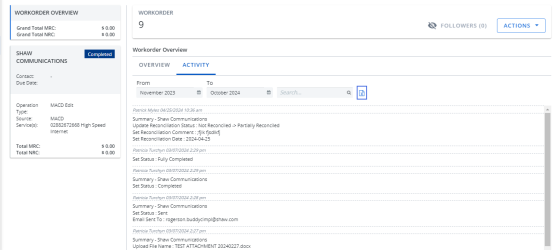
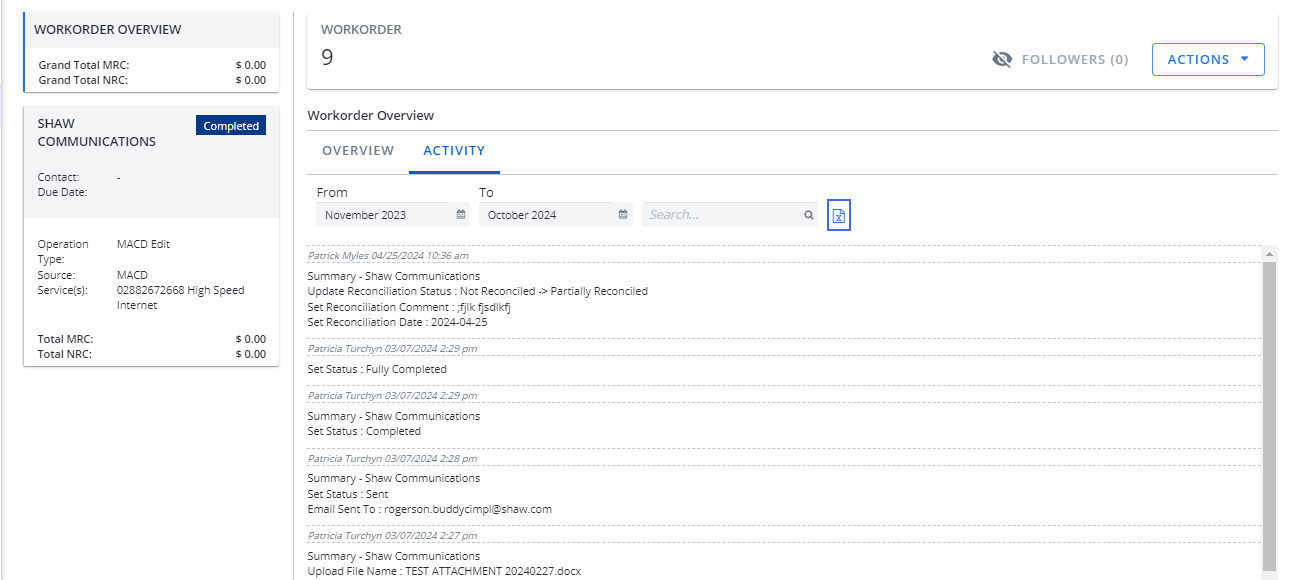
You can now export workorder activity to Excel.
-
Go to Inventory > Workorder Center
-
Open a workorder and click the Overview tile.
-
Click the Activity tab.
-
Click Export Activity
. An Excel worksheet is created.
-

-
A new validation has been added to ensure the Account field is populated for all services in a workorder before completion.
Billing Center
Payment Readiness
-
The Export
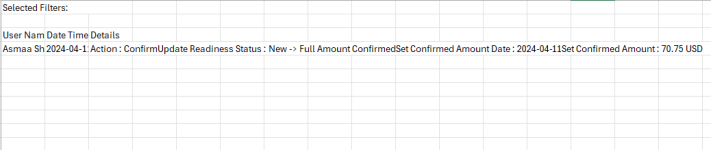
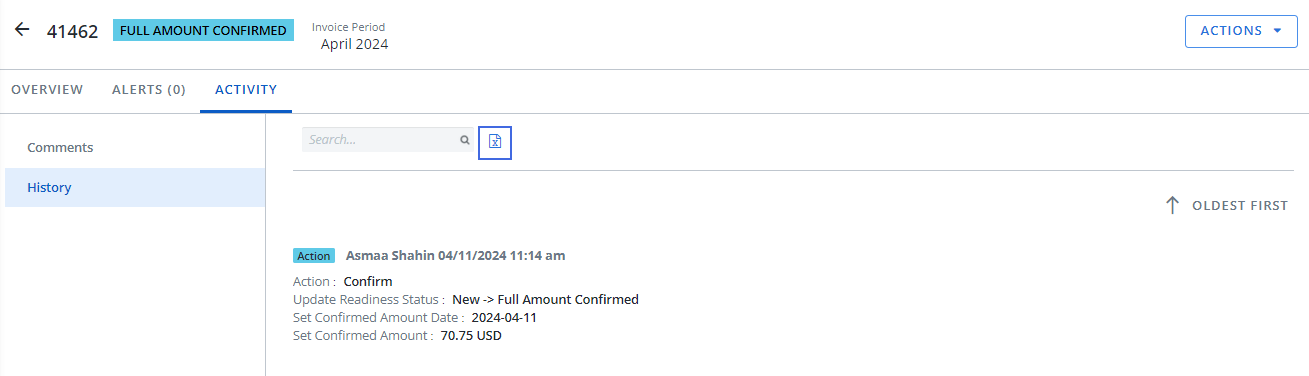
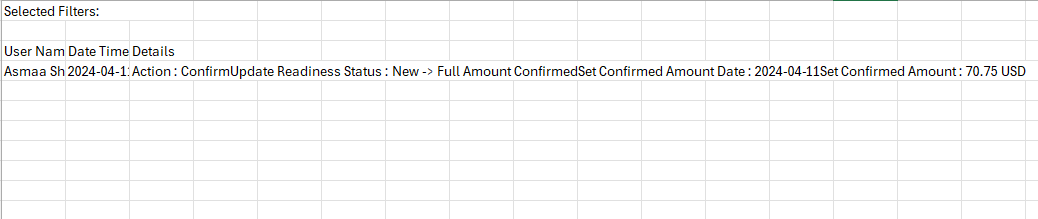
button has been added to the History section, allowing you to export Payment Readiness history to an Excel file.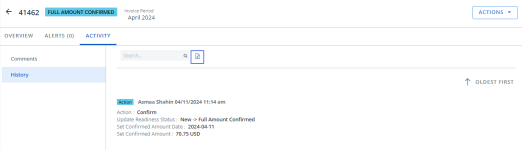
-
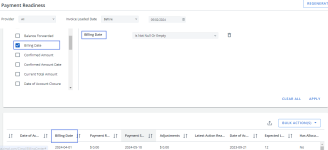
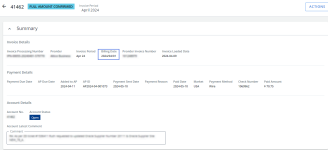
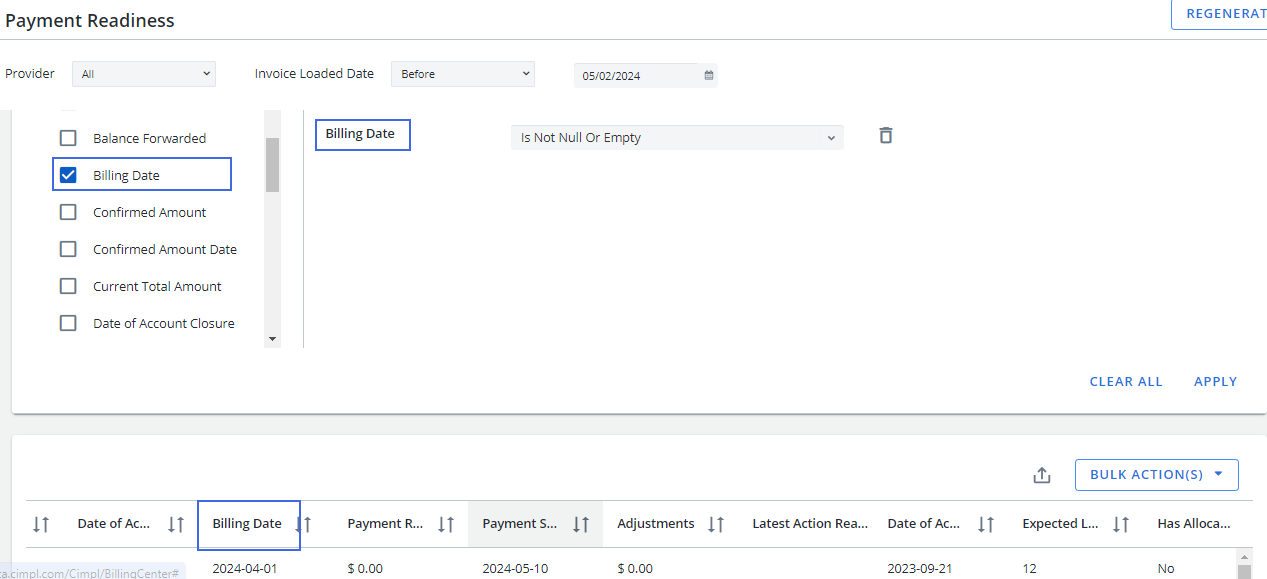
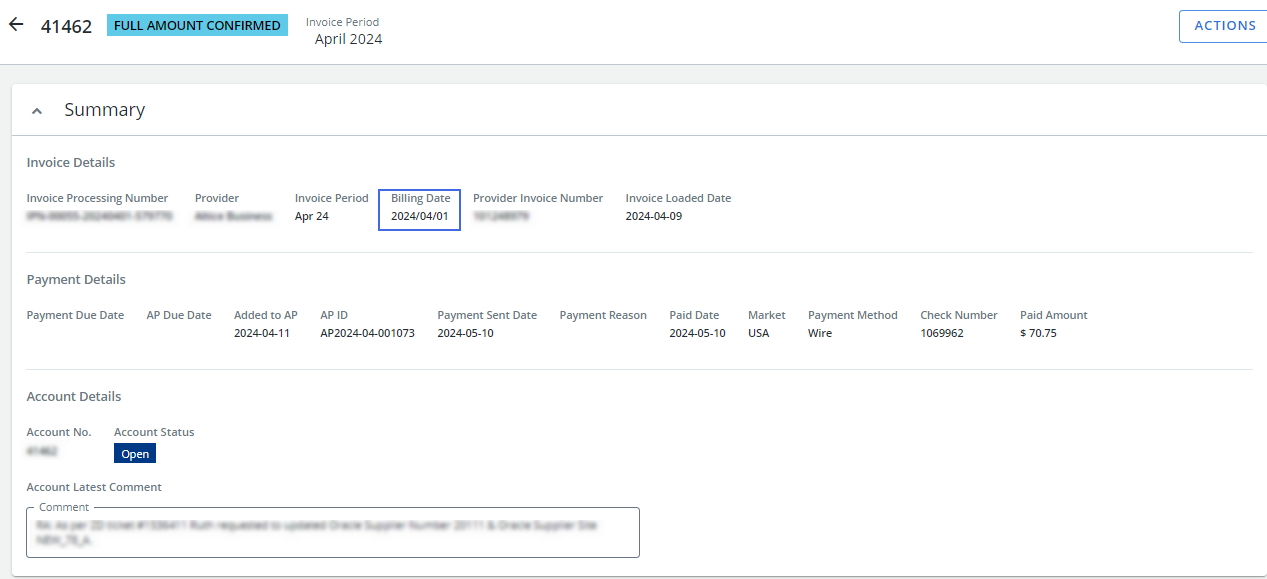
The Billing Day field has been changed to a date format and renamed to Billing Date.
-
All Approvers are now notified when a Stop Payment Approval Request is canceled. Refer to the Stop Payment Request Cancelled email template for details.
-
There is now only one request per Stop Payment. Previously, a new request was generated with each resubmission.
-
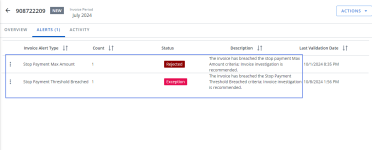
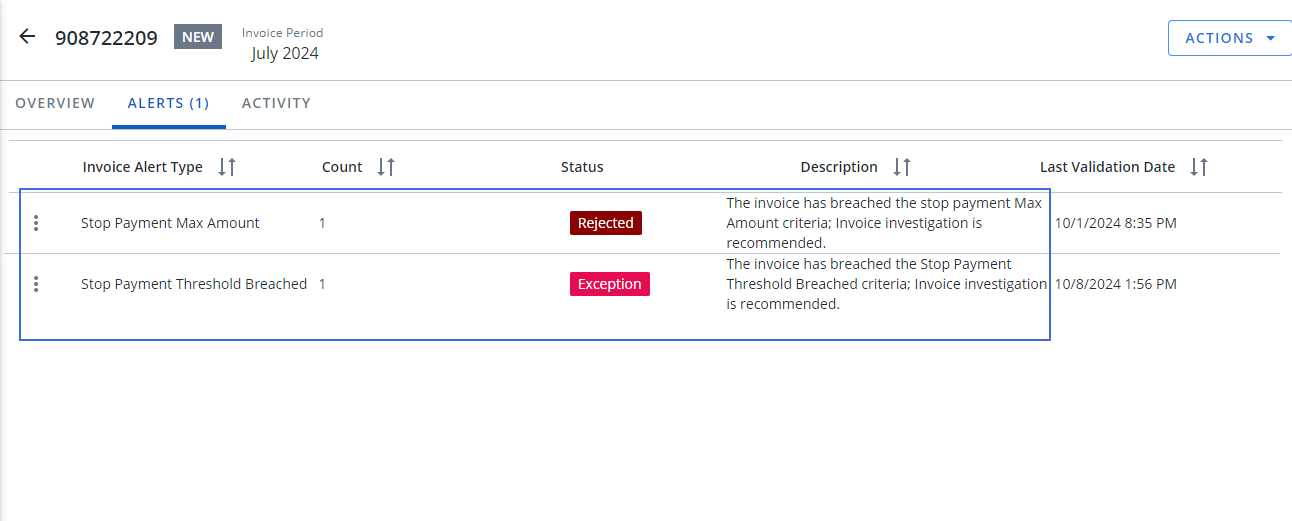
Two new alert types have been added for stop payments:
-
Stop Payment Max Amount: The invoice triggered a Max Amount Stop Payment.
-
Stop Payment Threshold Breach: The invoice triggered a Threshold Breach Stop Payment.
-
Reconciliation Tracker
-
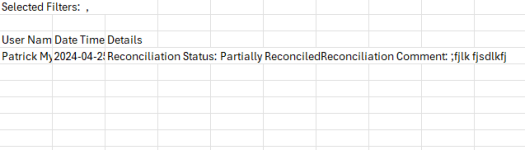
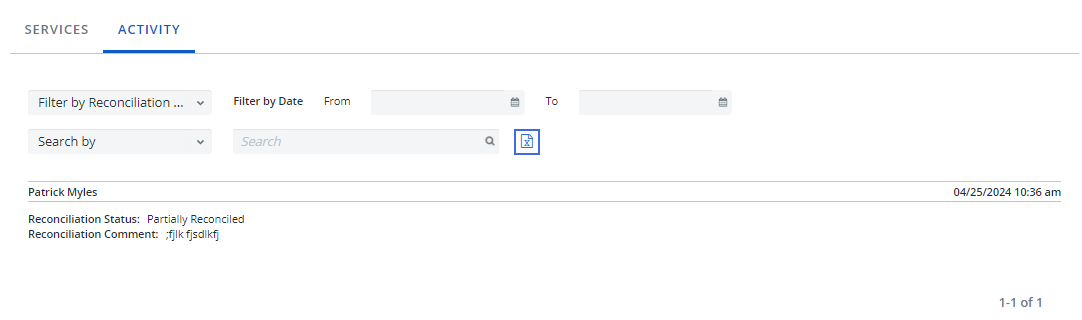
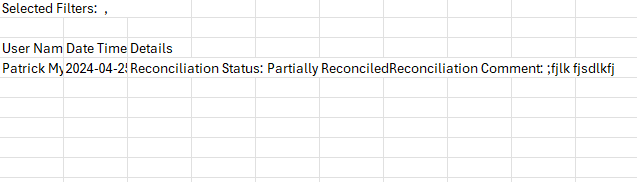
The Export
button has been added to the Activity tab, allowing you to export reconciliation tracker activity to an Excel file.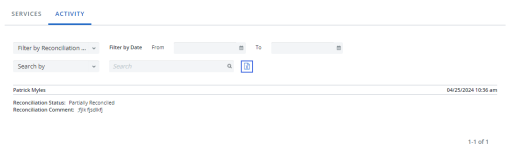
Reports
-
You can now search for employee names in report filters using all French-language accents, such as à, û, è, and ç.
-
The Include Account in AP filter, which allows you to filter reports based on whether an account is included in AP or not, has been added to the following reports:
-
Billing Errors Report
-
Not on Invoice Report
-
Not In Inventory
-
Configuration
Billing Center Configuration
-
The "Enable the confirmation of negative amount invoices" option has been added to the Payment Readiness tab, allowing negative amount invoices to be confirmed and be included in an Accounts Payable/Payment file.
Email Templates
-
A new Stop Payment Request Cancelled email template has been added, which sends an email to Approvers when a Stop Payment Approval Request is canceled.
-
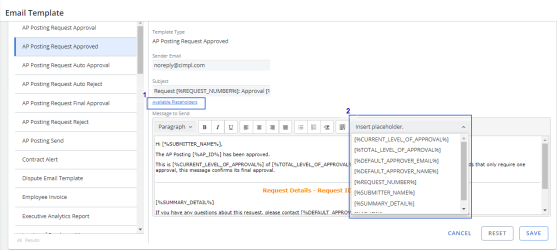
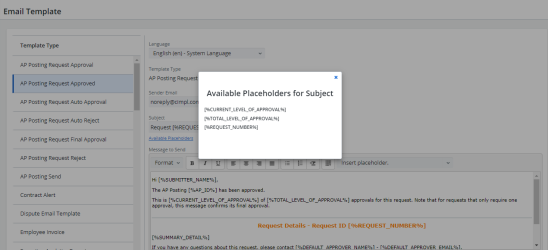
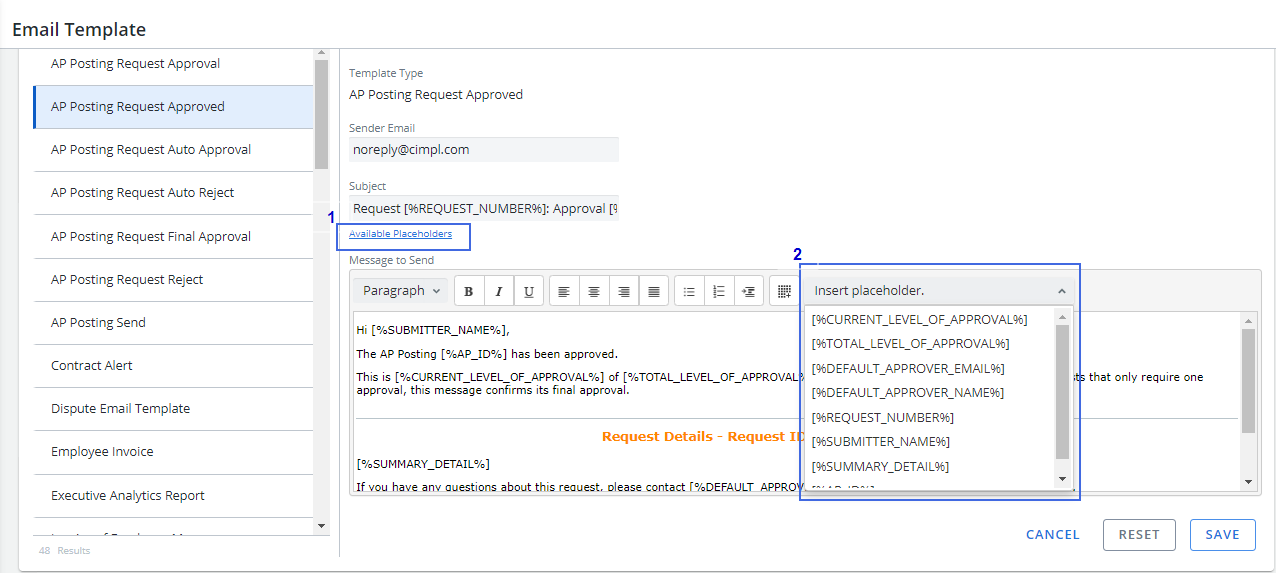
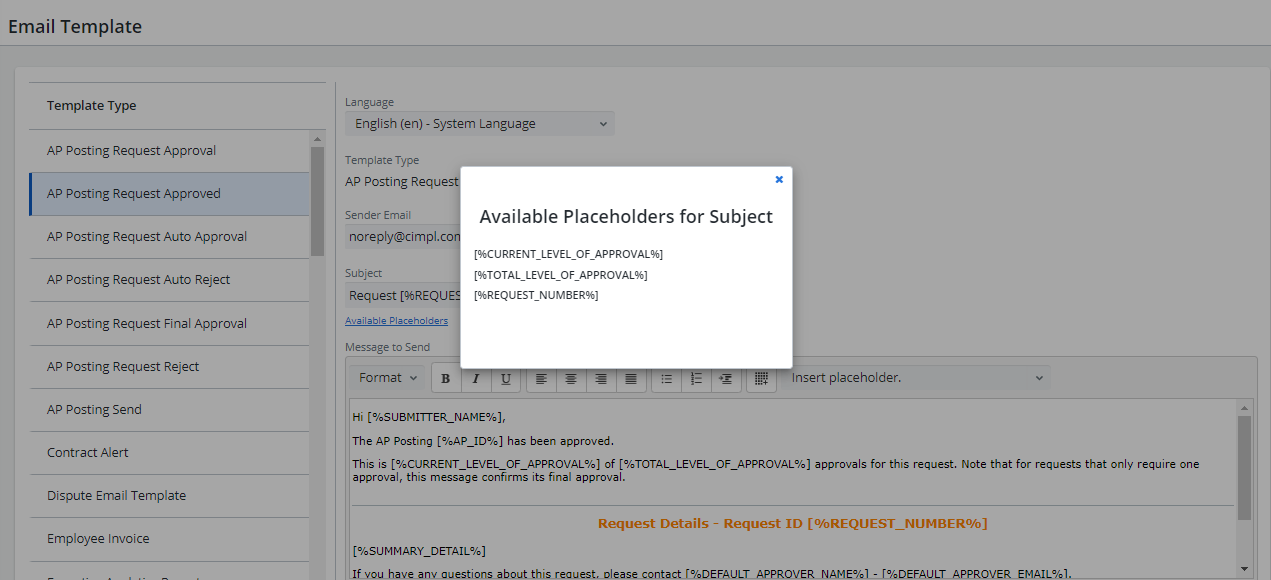
The following placeholder functionality has been added for email templates:
-
Available Placeholders: A link below the Subject line that displays the full list of placeholders for the Subject field when clicked.
-
Insert Placeholder: A dropdown list that allows you to quickly insert any available placeholder into the email template.
-
System Access
-
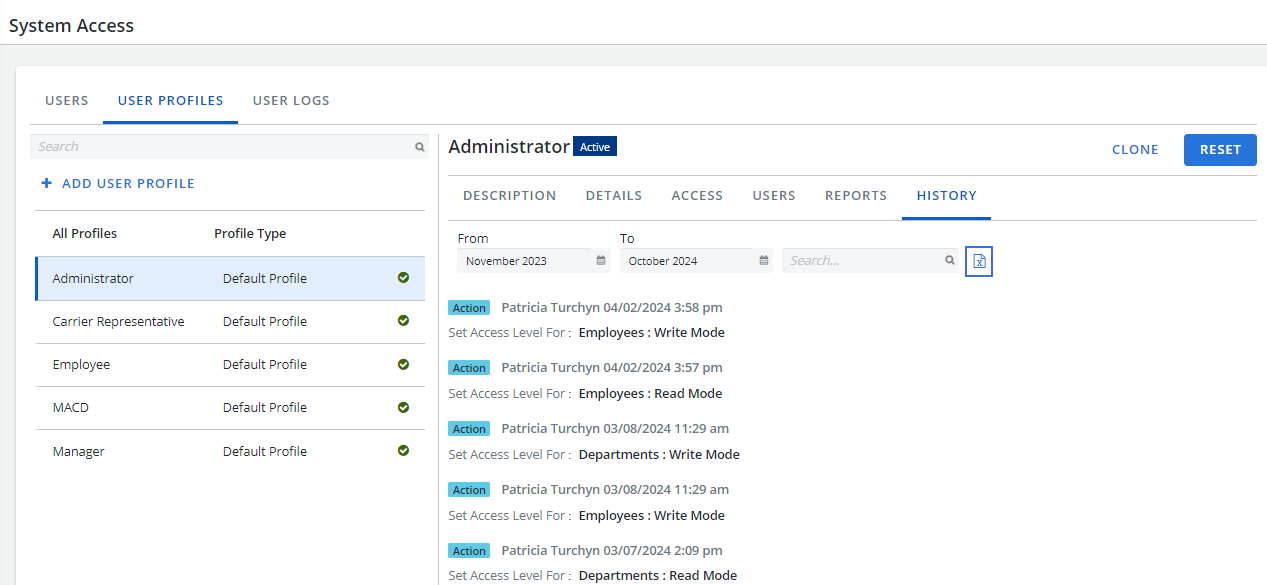
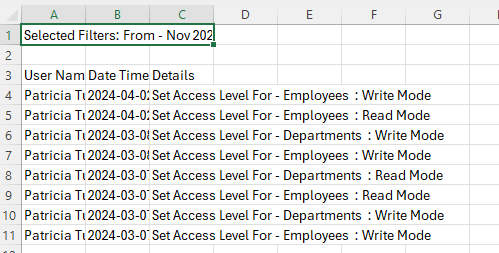
You can now export User Profile history to Excel.
-
Go to Configuration > System Access
-
Click the User Profiles tab.
-
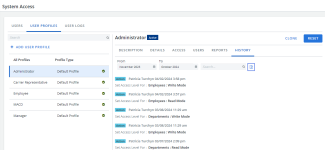
Click a profile and then click the History tab.
-
Click Export History
. An Excel worksheet is created.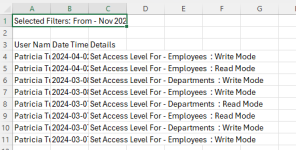
-