Note: FileBound Drive does not currently work with Active Directory authentication.
- Open File Explorer.
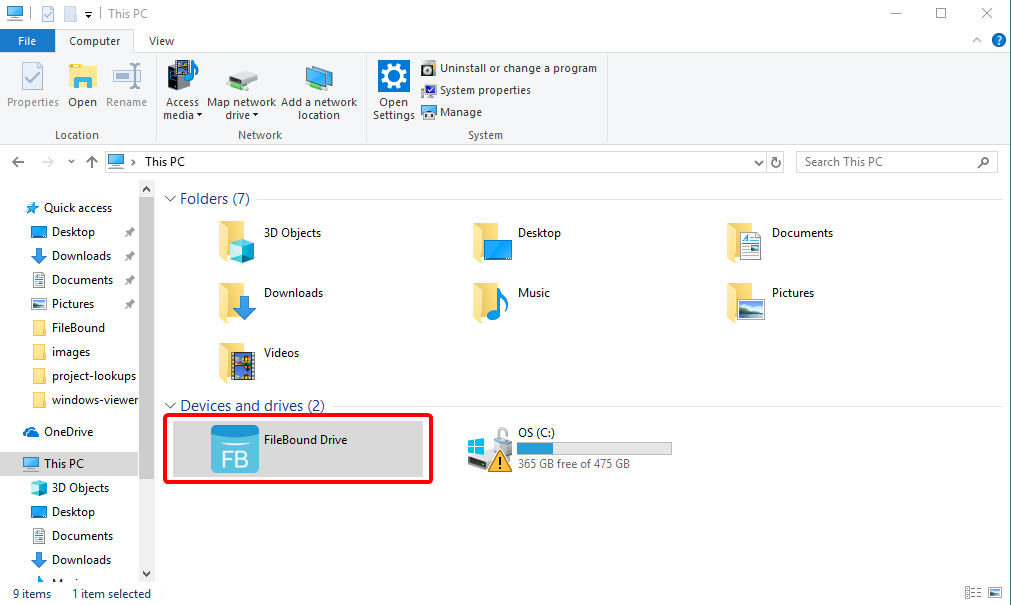
- Select This PC from the left pane.
-
Double click FileBound Drive.
-
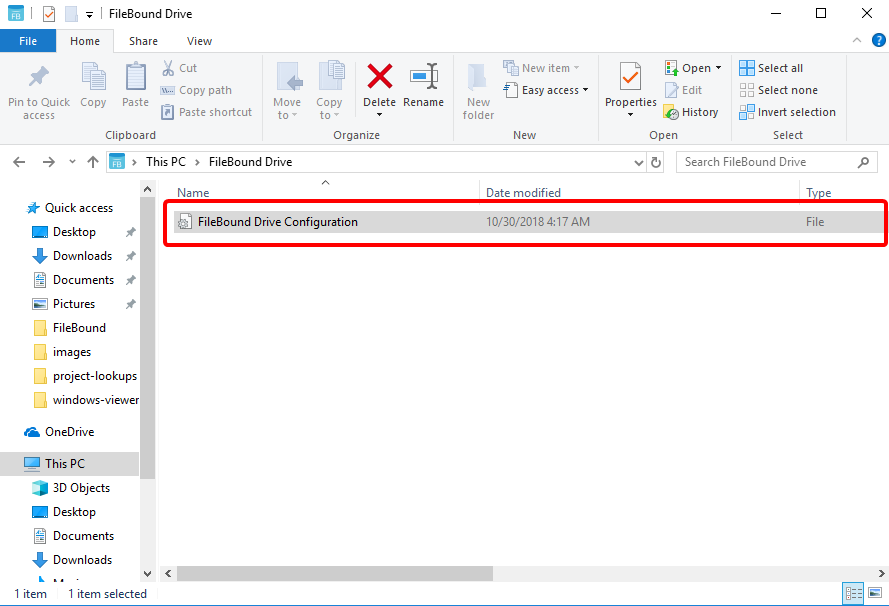
Double click the FileBound Drive Configuration file.
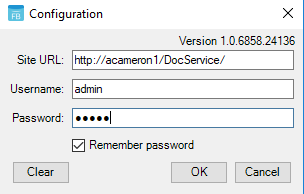
- Enter the URL for your FileBound site.
- Enter your FileBound username and password.
- Select Remember password to have Drive to remember your credentials.
-
Click OK.
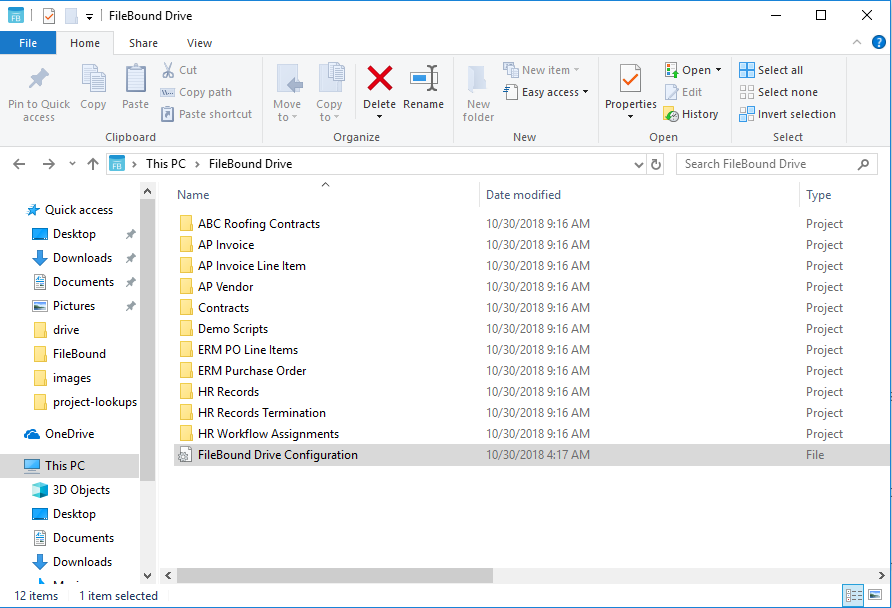
All projects that have been enabled for Drive on your FileBound site will appear in FileBound Drive.
Menu