Email PowerSteering Users
Note: The identified sender of all emails sent through PowerSteering will be the user that sent it, not PowerSteering itself. 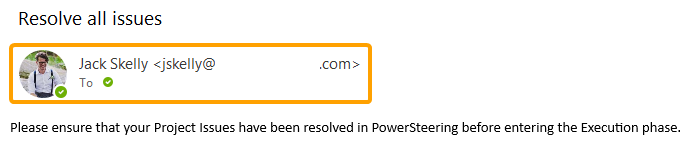
Note: Unlike Announcements, past emails will NOT be listed in the history log on the Announcements page.
To broadcast an email to PowerSteering users:
Before You Start: Only PowerSteering administrators can access the Announcements page and send broadcast emails.
-
Select Admin
 → Announcements from the Navigation Menu.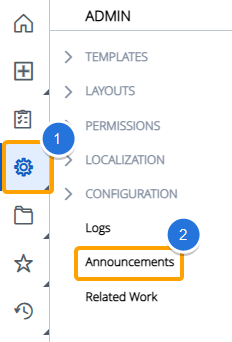
-
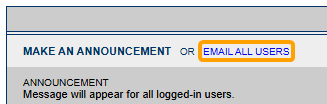
Select Email All Users.
-
Select the users that will receive the email. Selected recipients will be highlighted in blue.
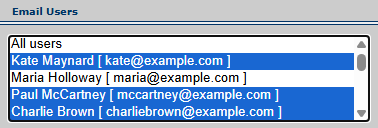
Tip: Hold down the Ctrl (Windows) or Cmd (Mac) key on your keyboard while clicking on names to select multiple names in the list. Alternatively, you can hold down the Shift key and click on two names in the list to highlight both names as well as all of the names listed between them.
-
Enter a subject for your email into the "Subject" field.

-
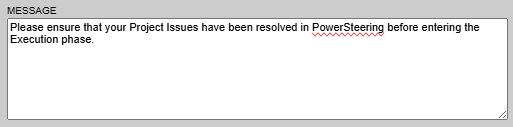
Enter the body text for your email into the "Message" textbox.
-
Select the Submit button.
After selecting Submit, you email will be sent to the selected users.