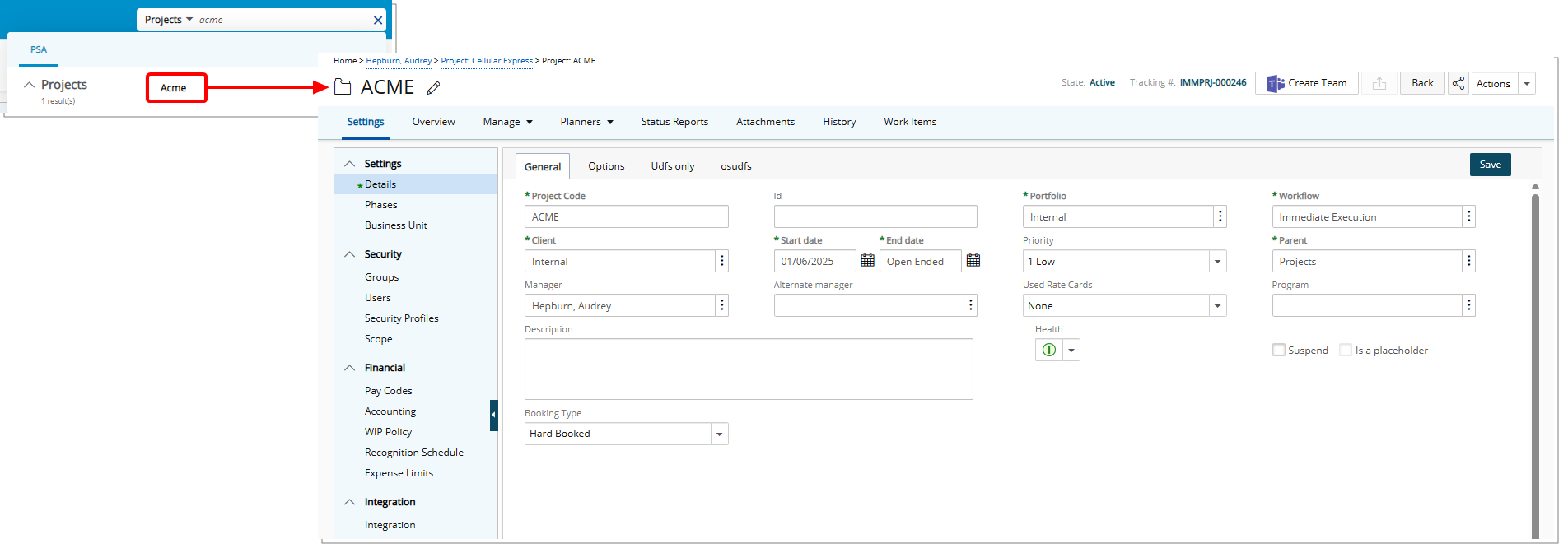
To narrow your search results, you can select a specific category, such as a Client PO, Clients, Expense Reports, Groups, Invoices, Leave Requests, Projects, Tasks or Users to restrict the search results.
- On the Header, click the arrow next to the All category, within the search box.
- Select the desired category.
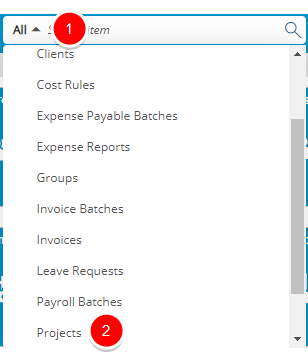
Note: The Search box displays the word "Search item" until a search term is entered.
- Note that the Search box has been updated to display the category you selected.

- In the Search box, enter the search terms you want to use. Note that maximum number of characters allowed is 50.
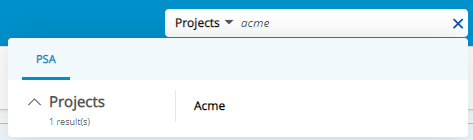
Note: As you type in the search , the indexed results begin to appear in a list format.
- Select an item from the list of search results to open it.