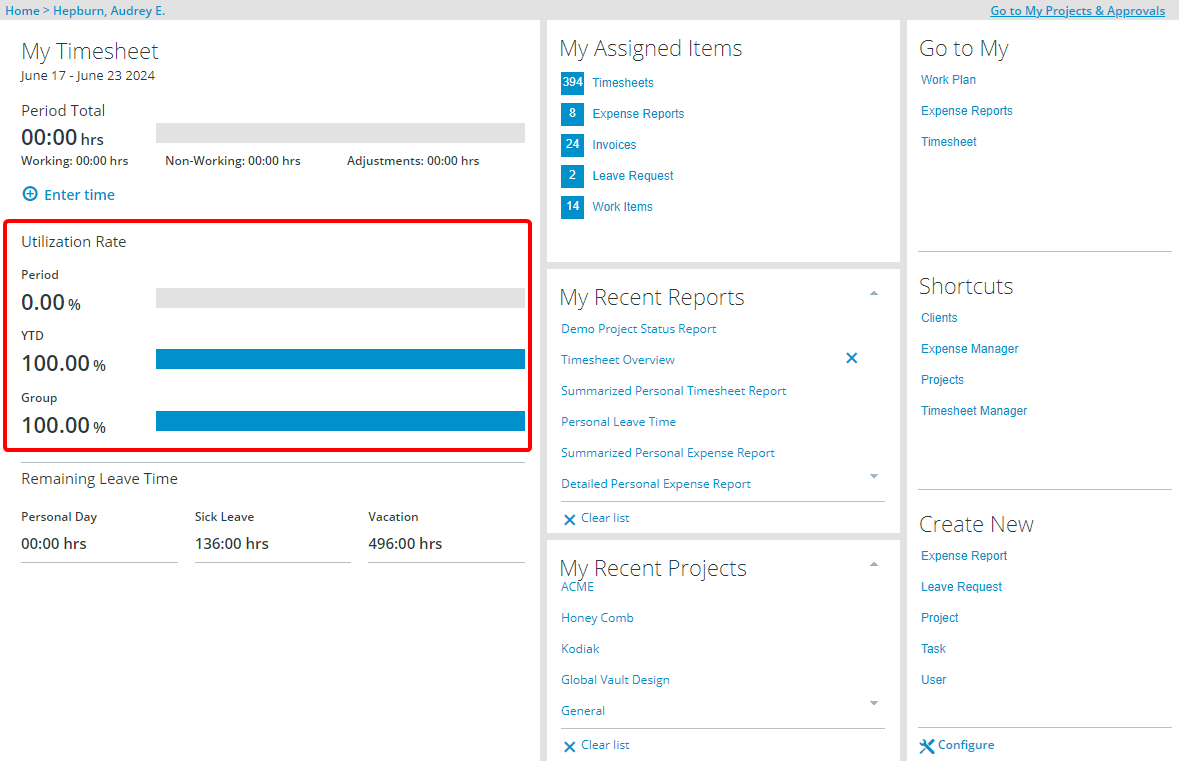
Show the Utilization Rate on the Legacy Home page
This article details how to show the Utilization Rate on the Legacy Home Page.
- From the Icon Bar click Setup
 .
. - From the Navigation Menu click Organization.
- From the available options select Groups.
- Click the name of a group from the Groups page for which you wish to have the Utilization Rate displayed on the legacy Home Page.
- Click the Utilization Configuration link at the top of the Group Edit page.

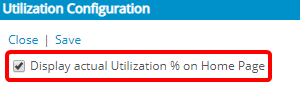
- Select the Display Utilization % on Home Page option to display the rate on the legacy Home Page, otherwise deselect to disable the display.
- Select the required options, within the Utilization Calculation section, to display the corresponding values on the legacy Home Page.

Impact of your change
Navigate to the legacy Home page and note that the Utilization Rate is now visible on the legacy Home page: