Changing the Project List View
This article covers how to change your View in the Project List page.
- From the Icon Bar click Project List
 .
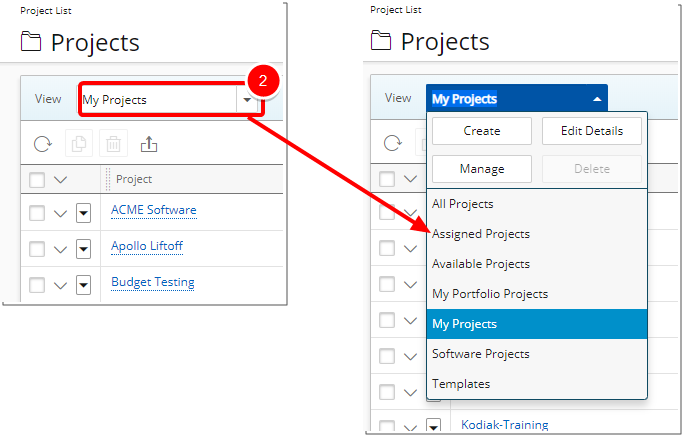
. - Click View to access the View menu.
- Select another View from the available View list.
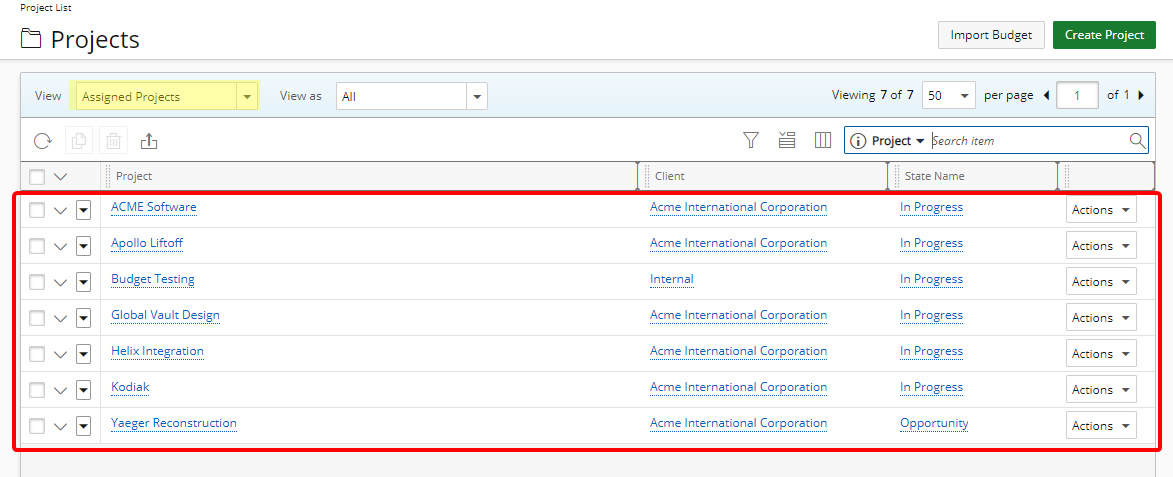
- Upon selecting a new View, the Project List page will refresh and list the Projects based on your newly selected View.