Version Number
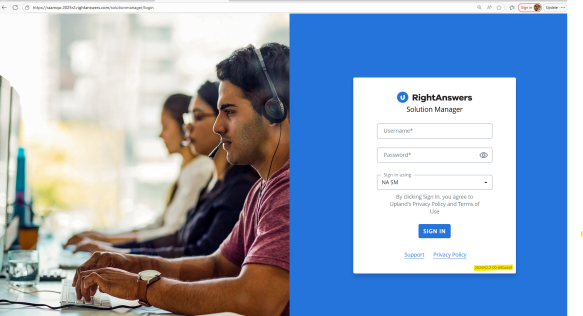
You can find the version number of your RightAnswers platform at the following locations:
-
On the login page
-
In the user profile/avatar pop-up
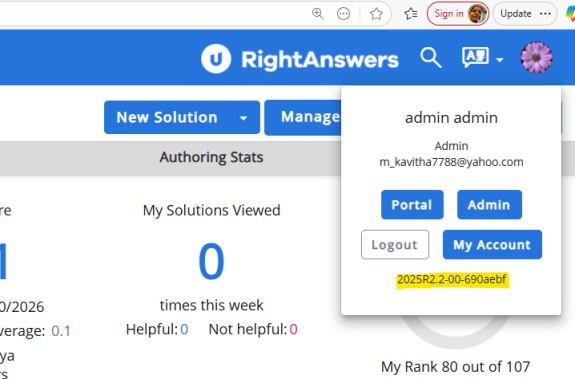
The version number will be in the format <year>R<major>.<minor>-<ps version>-<git hash>.
For example, 2025R2.2-00-ABC123.
The <ps version> number indicates if RightAnswers has been customized. If <ps version> is '00', it indicates no customization.