Manage Integration Configurations
To add an integration configuration:-
Navigate to Settings > Integration Configs. The Integration Configurationspage is displayed.
 NOTE: The Integration Configs menu is available for superadmins only.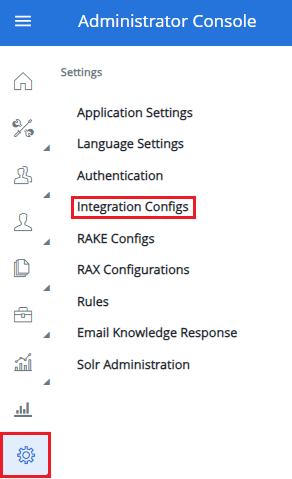
-
Click Add Configuration
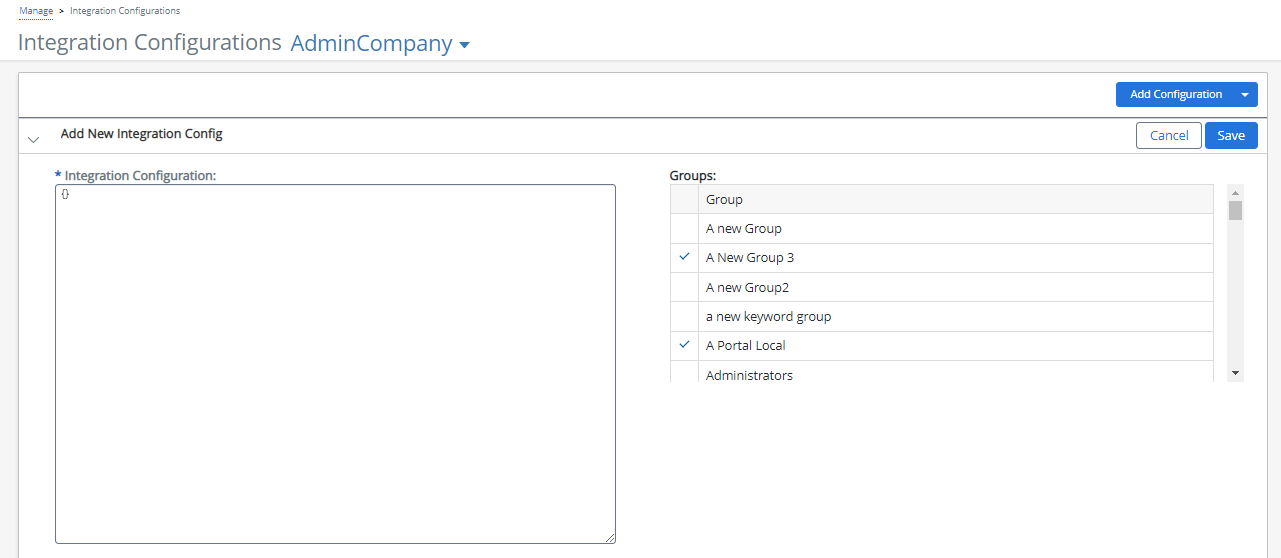
An Add New Integration Config section is displayed.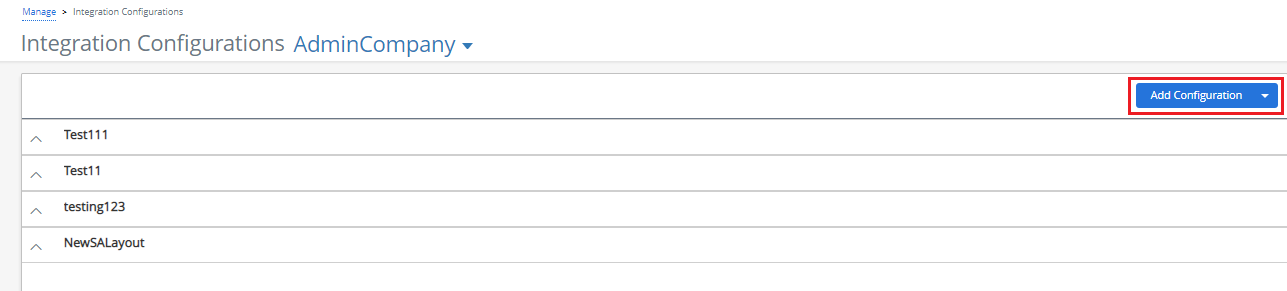 NOTE: You can click the drop-down menu next to Add Configuration button to select the companyCode.
- Fill in the Integration Configuration field.
- Select the groups to link the integration configuration to.
-
Click Save or Cancel to discard.
-
Navigate to Settings > Integration Configs.
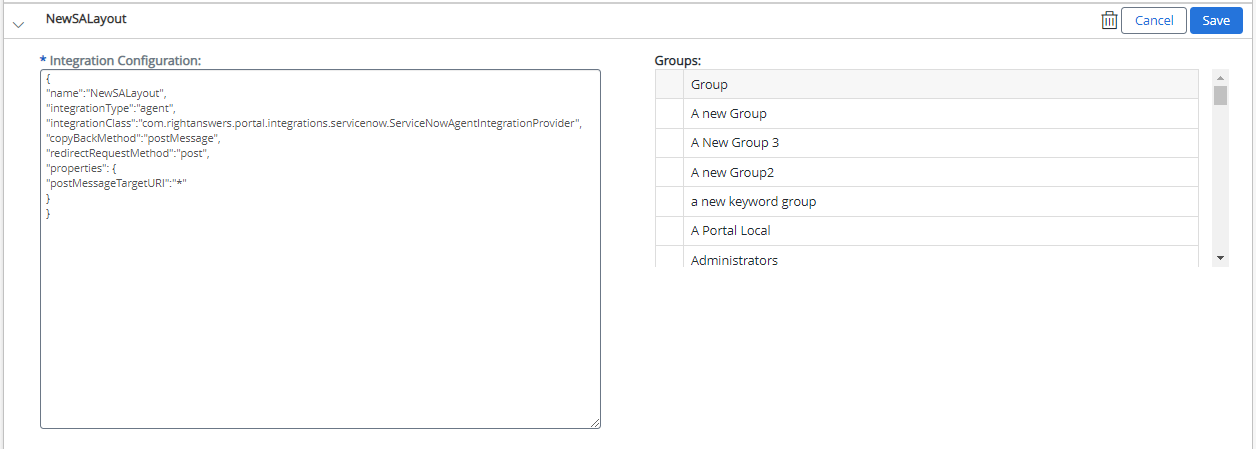
The Integration Configurations page is displayed. - Click the arrow to expand the integration details.
- Edit the Integration Configuration field.
- Select or deselect the linked Groups.
-
Click Save or Cancel to discard.
-
Navigate to Settings > Integration Configs.
The Integration Configurationspage is displayed. - Click the arrow to expand the integration details.
-
Click the Delete icon
 .
.
A confirmation message is displayed.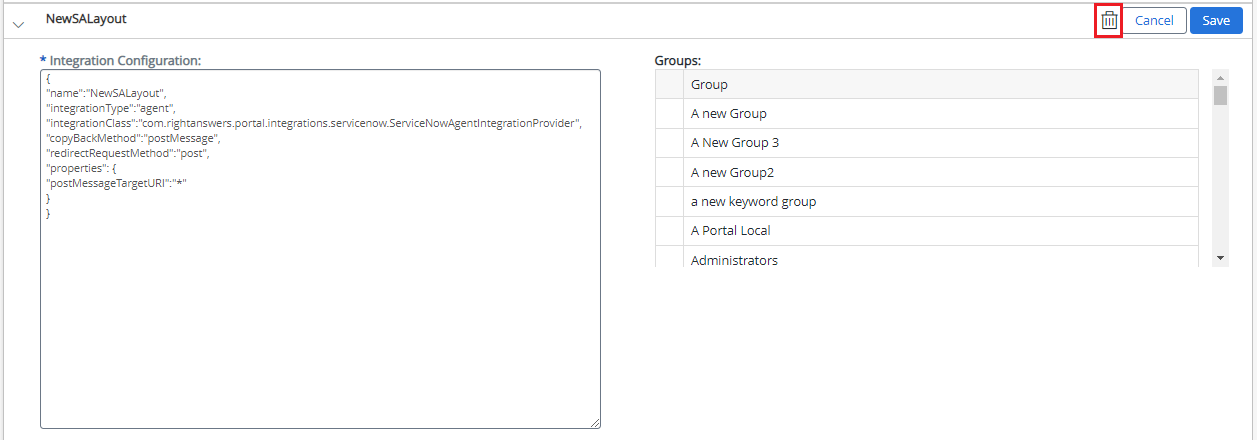
-
Click Yes to confirm or Cancel to discard.

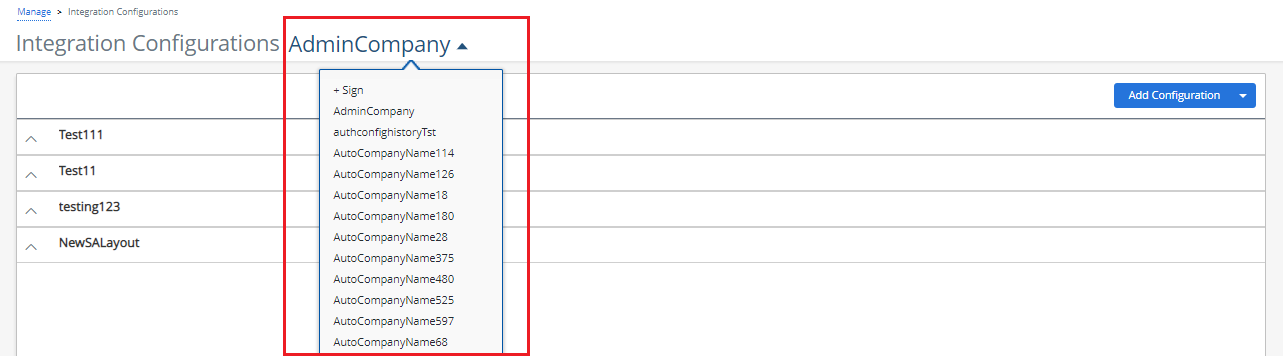
NOTE: A Super Admin can manage multiple companies by selecting the required company from the drop-down menu.