Configure the Advanced Security Module for Debugging
This section applies only to installations that include Elasticsearch.
-
-
-
-
- Assembly Name:
-
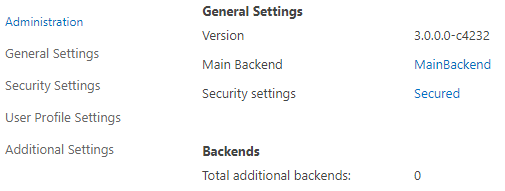
-
After you complete the previous steps, copy and paste the following code. Replace the sample values with the appropriate values based on their descriptions.
See the config node
<config>
    <pathToGroupService>http:...</pathToGroupService>
    <domainRemapping>domain=domain.local</domainRemapping>
    <groupCacheTimeout>5</groupCacheTimeout>
    <additionalSecurityLevels>0</additionalSecurityLevels>
    <enableSidSecurity>false</enableSidSecurity>
    <includeResultSources>*</includeResultSources>
    <excludeResultSources></excludeResultSources>
    <impersonateUser>domain\uA=domain\uB</impersonateUser>
    <debug>false</debug>
    <userForGroupService>user</userForGroupService>
    <passForGroupService>password</passForGroupService>
</config>
- Click OK.
| Required | Description | |
|---|---|---|
|
X |
|
|
BA Insight Connectors
The user from the source domain is treated as if this user was one (1) of the users for from the target domain.
|
|
|
|
|
|
|
|
|
|
|
includeResultSources
|
|
|
|
The default value is an empty string (that is, no source is excluded). Use this setting for scenarios where you want to apply security to some, but not all sources. Specify a list of result sources for which the security transformation is not applied. Specify your values using a semicolon separated ( For example, specify:
|
|
|
T Enter the domain and user name of a user that you want to impersonate in the search results. This parameter can contain a string with one (1) user specified. Use the following format:
In the first example, the security level for this user is applied to all of the users.
In the second case, if mapping is found for the user name under which the request is performed, the target user security is applied. |
|
|
|
|
|
X | Connector Framework |
|
X |