You can customize
-
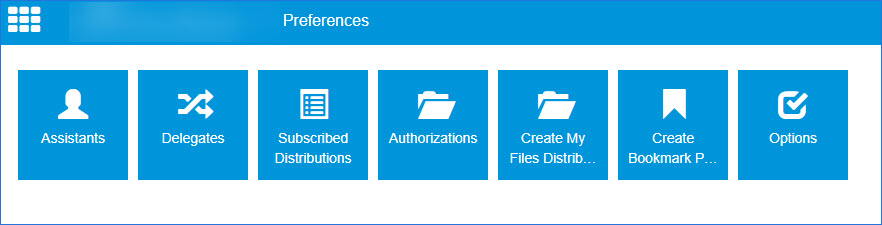
Assistants - Add assistants to be notified and set up to receive your messages based on routing rules set up by an Administrator.
-
Delegates - Add delegates to manage your queues, view and send messages on your behalf or view messages only.
Note: This is only available for users that are configured for
-
Subscribed Distributions - Subscribe to a user's public and shared distributions.
-
Authorizations - Authorize access to your Cloud storage folders; for example, OneDrive.
-
Create My Files Distribution - Create, convert a document's final form for distribution, and save routing sheets for reuse.
-
Create Bookmark Page PDF - Create a bookmark for a document.
-
Options - Add a network printer.
See the Preferences example below.
See also