Set up detail tables with CSV or database
This topic covers creating the loop for a specific data source. For general information about extracting data for detail tables and working with loops, see Extract transactional data.
In CSV or database data, transactional data (also called line items) appear in multiple rows.
-
Select a field in the column that contains the first line item information.
-
Right-click this data selection and select Add Repeat.
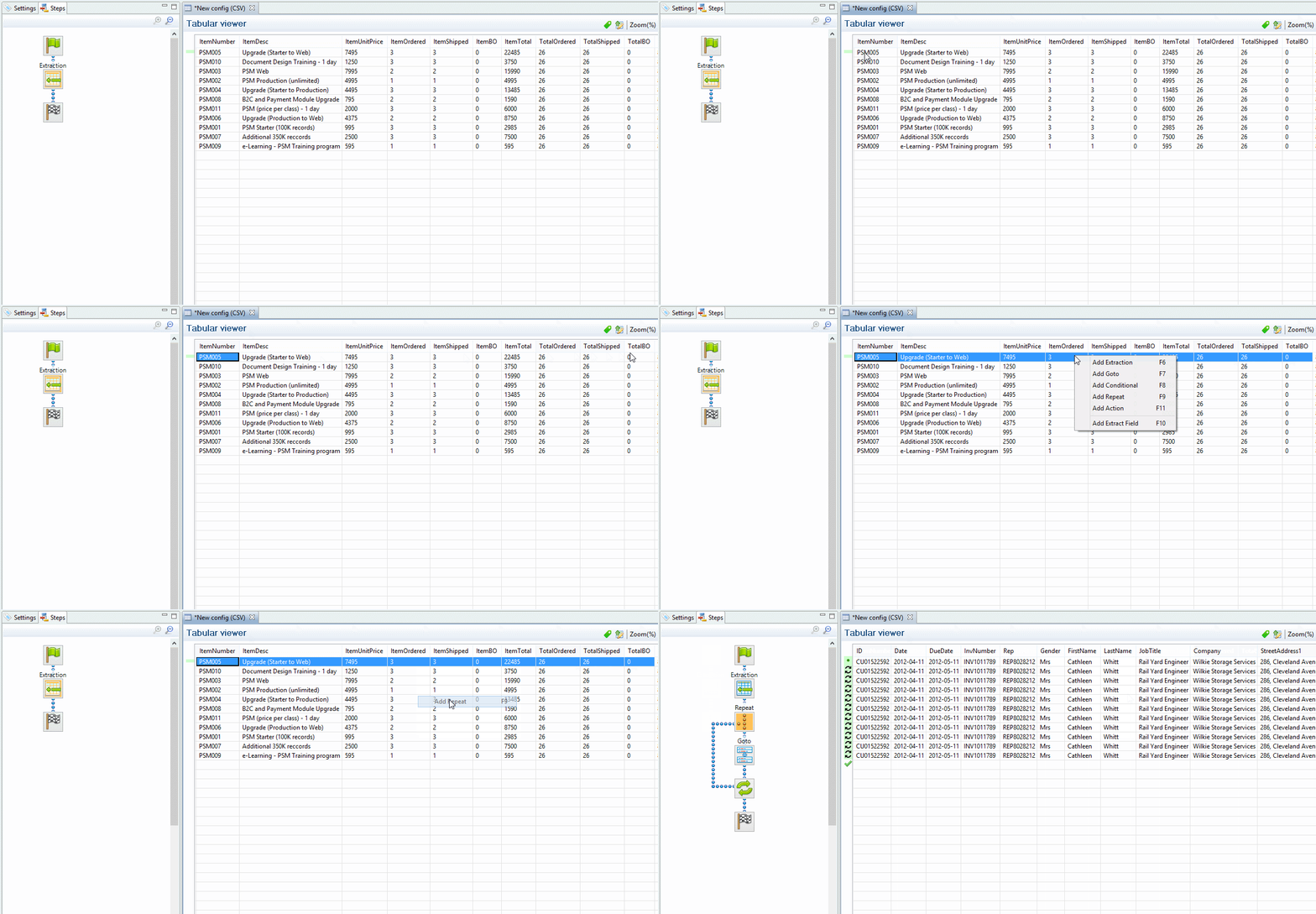
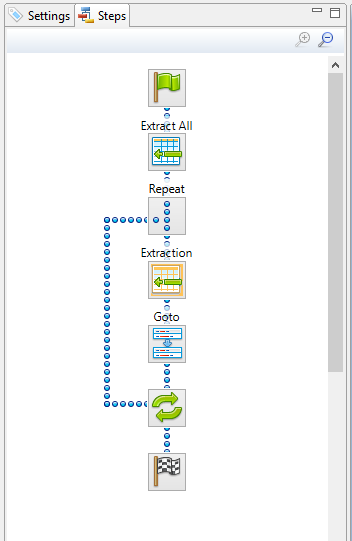
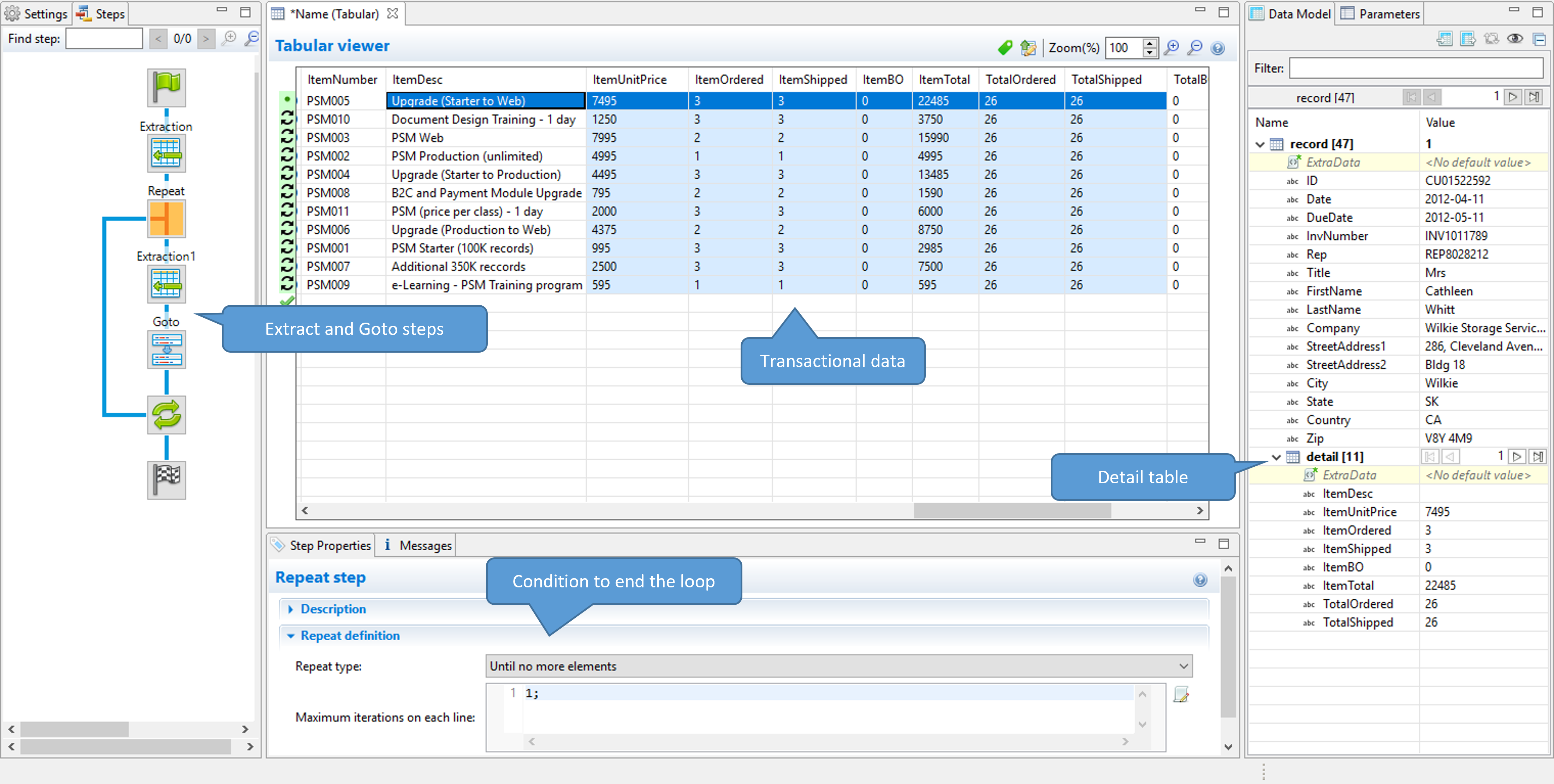
This adds a Repeat step with a GoTo step inside it. The GoTo step moves the cursor down to the next line, until there are no more lines (see Goto step). -
(Optional.) Add an empty detail table via the Data Model pane: right-click the Data Model and select Add a table. Give the detail table a name.
-
Select the Repeat step on the Steps pane.
-
Start extracting data (see Adding an extraction).
When you drag & drop data on the name of a detail table in the Data Model pane, the data are added to that detail table.
Dropping the data somewhere else on the Data Model pane creates a new detail table, with a default name that you can change later on (see Renaming a detail table).
The extraction step is placed inside the Repeat step, just before the GoTo step.