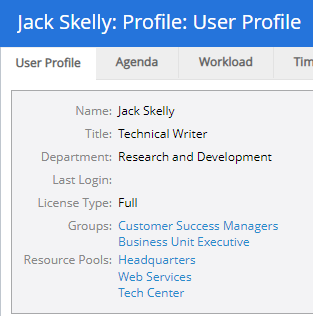
View a User Profile
User profiles can be accessed by clicking a linked user name anywhere in PowerSteering:

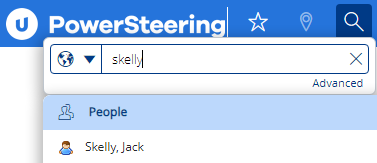
However, the easiest way to quickly navigate to a user's profile when links are not available is through the Search function. Simply type the user's name into the search bar and relevant users will appear under the "People" tab:
Selecting a user from the list will navigate directly to the user's profile: