Resolve or unresolve a comment
You can mark a comment as complete by resolving it in the Solution Manager, the Support Agent and the Self Service portals.
To resolve a comment:
-
Click
 that appears beside the comment.
-
Select the relevant comment resolution category:
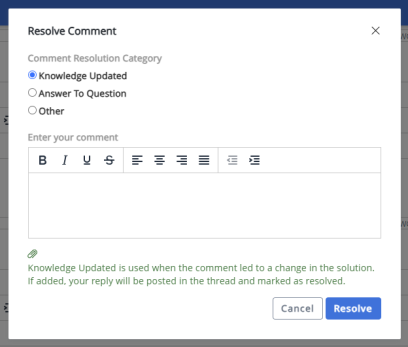
- Knowledge Updated - This category is chosen when the comment has resulted in a change to the solution's content.
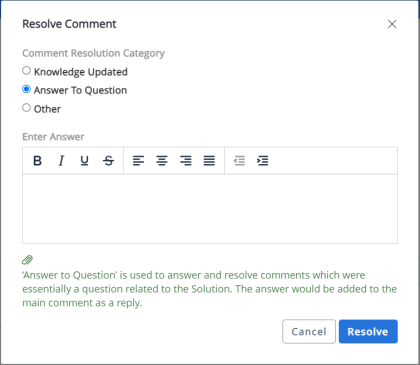
- Answer To Question - This category is chosen when the comment is a question related to the solution. The answer entered while resolving the comments is added as a reply to the comment.
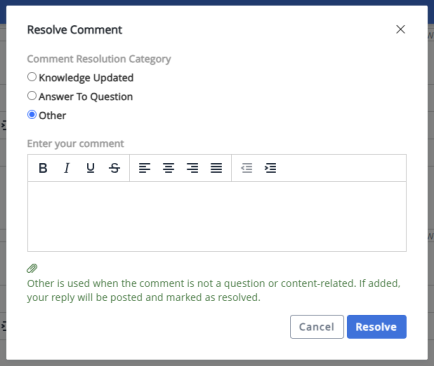
- Other - This category is chosen when the comment is neither a question related to the solution nor has resulted in a change in the solution's content.
All the three categories are available while resolving the comments in Solution Manager while only the Answer To Question and Other options are available in the portals.
- Knowledge Updated - This category is chosen when the comment has resulted in a change to the solution's content.
- Enter a relevant resolution comment. If you add a comment, it will be posted in the thread and marked as resolved. Resolution comment is mandatory for the Answer to Question option and optional for the Knowledge Updated and Other options.
- Click Resolve.
Once a comment is resolved, the icon color changes to green and the comment is labeled as Resolved. You cannot reply to a resolved comment.
In a comment thread, the comments can be resolved only at the parent level.
Unresolve a comment
To unresolve a comment, click Unresolve that appears below the resolved comment.
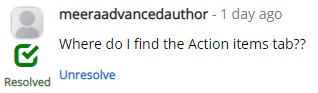
The resolve/unresolve option is always available in Solution Manager. However, the administrator can show or hide the resolve/unresolve option in the Support Agent and Self Service portals by enabling or disabling the CommentResolutionAllow setting under the Settings > Application Settings > General menu in the Administrator Console. To show the resolve option, set CommentResolutionAllow to true, else set it to false.
Comments Resolution Notifications
Once a comment is resolved or unresolved, the user who posted the main comment and the users who replied to that main comment will get notified through an email based on the following conditions:
- Solution Manager users gets notified if a comment is resolved or unresolved which was posted in Solution Manager, Support Agent, and Self Service portals.
- Support Agent portal users gets notified if a comment is resolved or unresolved which was posted in Support Agent and Self Service portals (and Solution Manager, if the comment was visible for Support Agent portal users).
- Self Service portal users get notified if a comment is resolved or unresolved which was posted in Self Service portal (and Solution Manager as well as Support Agent portal, if the comment was visible for Self Service users).
The resolved notification email uses the template with the following description: 'When a comment thread gets resolved, Solution Manager, Support Agent and Self Service users who commented on it will get notified with an email.' The comment notification template will differ based on the comment resolution category. For more information Admin: Email Templates.
The user ID mentioned in the email notifications will be the same as the value set for UserDisplayFormatCommentAgent, UserDisplayFormatCommentAuthor and UserDisplayFormatCommentSelfService in their respective interfaces. For more information Add or reply to a comment in Solution Manager
Example of an email notification for 'Knowledge Updated' resolution category: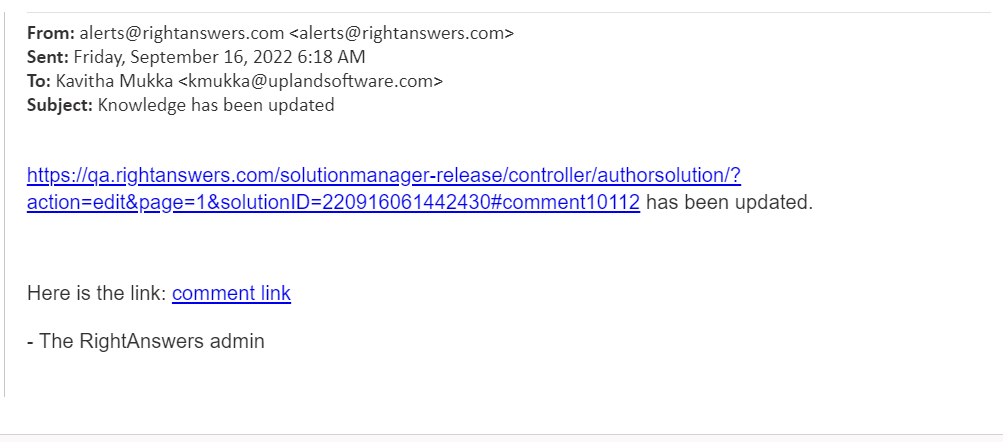
Example of an email notification for 'Answer To Question' resolution category: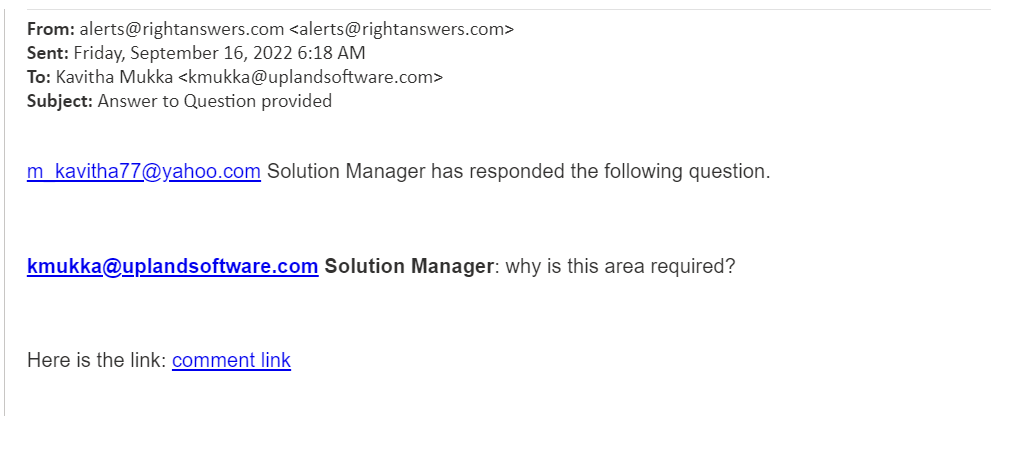
Example of an email notification for 'Other' resolution category: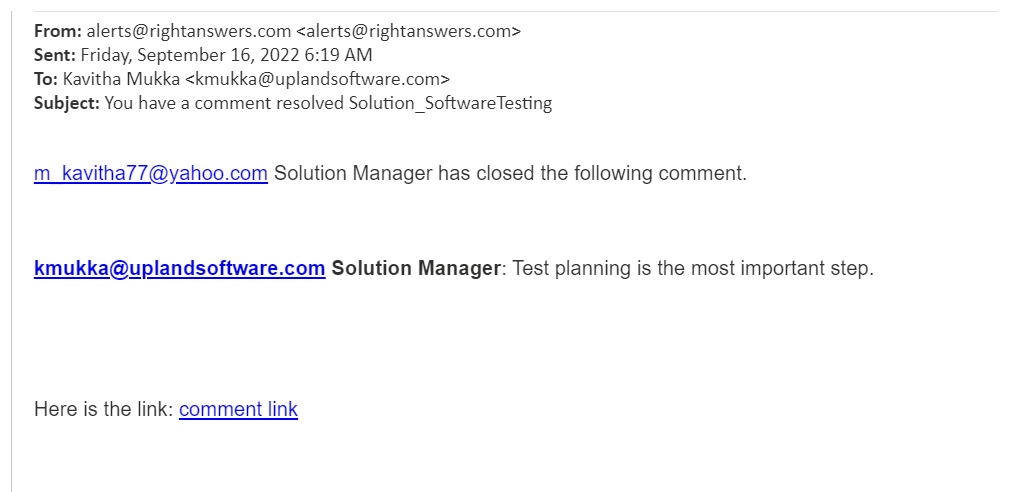
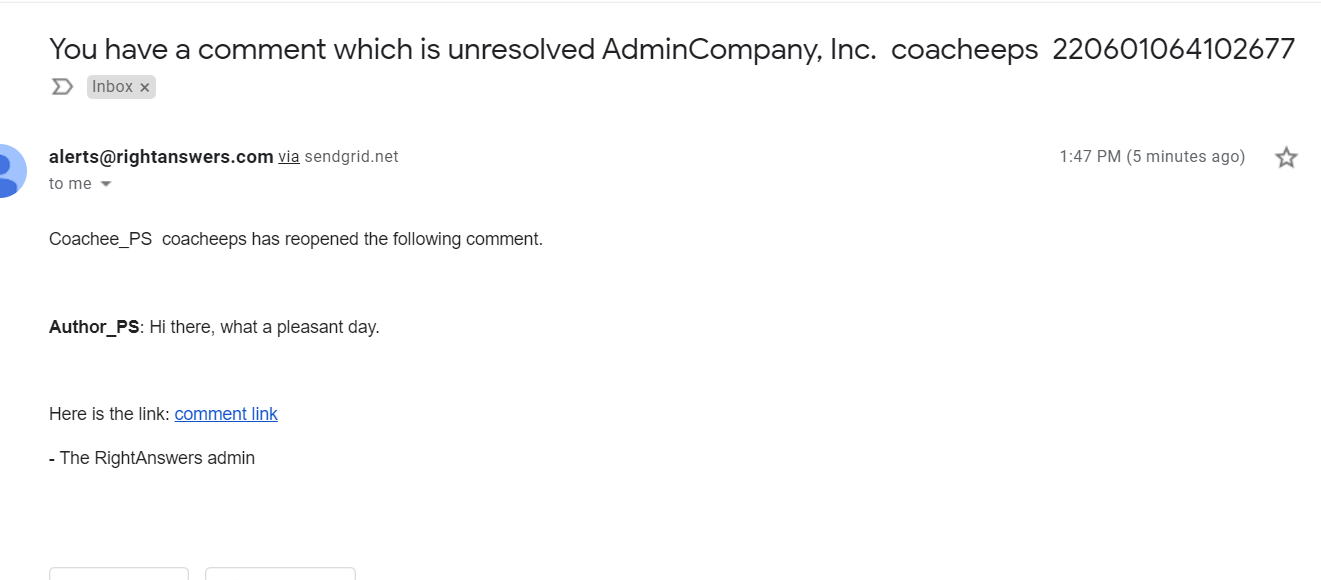
Example of an email notification about an unresolved comment/reply: