Managing your campaigns
To manage your campaigns:
-
Select
 Text Messaging in the left pane, and then select Campaigns.
The Campaigns page displays the Master Campaign table and the Campaigns table with all active campaigns for your company.
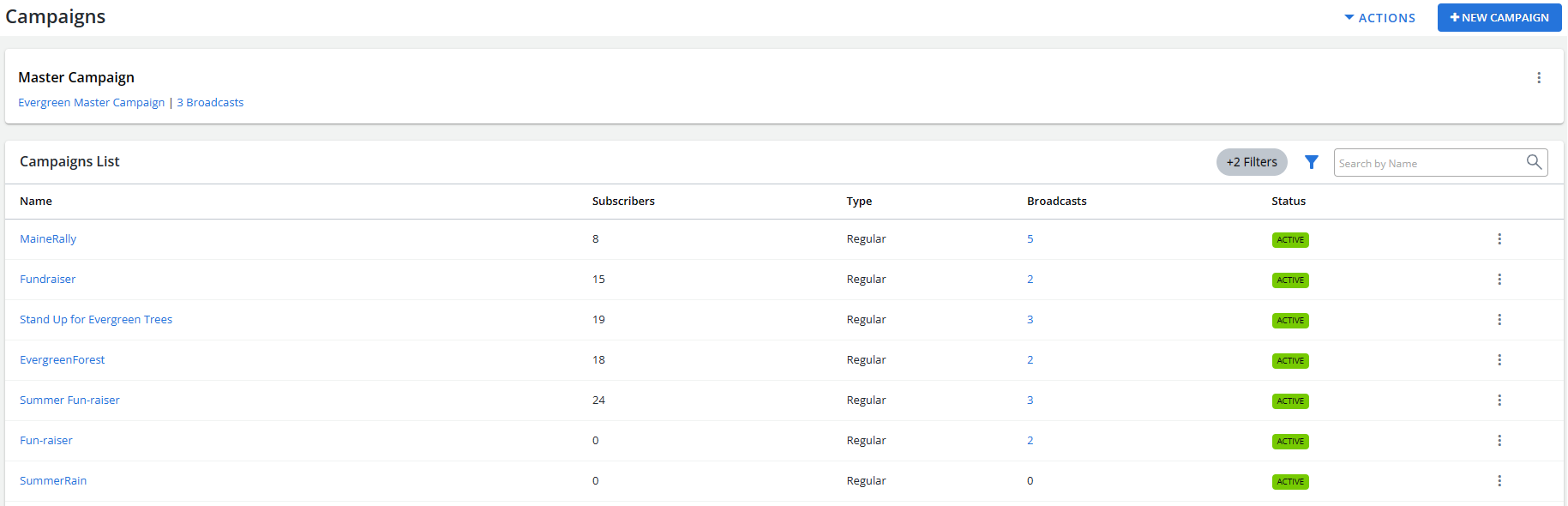
The Master Campaign table contains the name of the master campaign for your company and total number of unique active subscribers (cleared of all duplicates) for all campaigns. For more information, see Working with the master campaign.
The Campaigns table displays the name, total number of subscribers for all campaigns (the subscribers count updates every 30 minutes), the campaign type and status, and number of broadcasts. For information about the Campaigns table, see Working with campaigns.