Use Projects
Projects provide a powerful way to organize and manage your flow file and OL Connect resources. Instead of treating these as a simple pair of files, a Project encapsulates everything required to build and distribute your solution.
Each Project is backed by a Git repository, enabling full version control of all included files. This integration allows you to track changes, revert to previous versions, and collaborate efficiently using Git workflows.
In this guide, you’ll learn how to enable the Projects feature and configure it to work with a remote Git repository, for example, on GitHub, to streamline collaboration and source control. After the project is set up, you can review Create a GitHub repository.
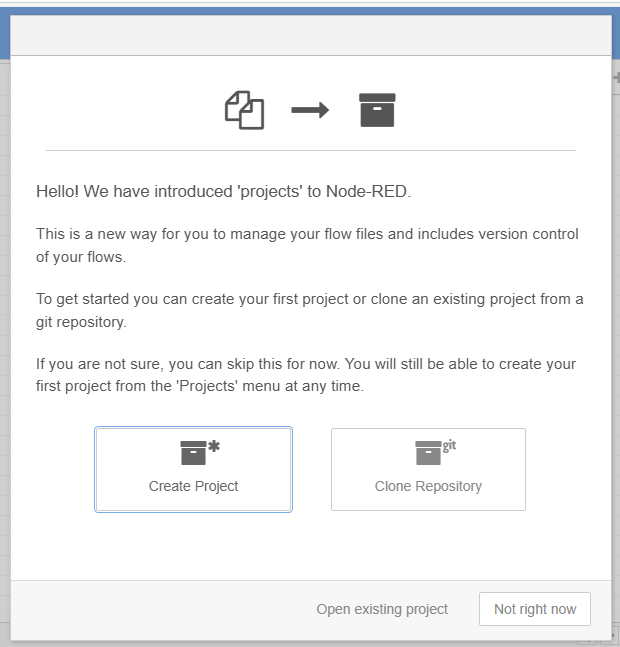
The first step is to Enable projects.
Before starting, ensure you’re familiar with the essential concepts of OL Connect Automate and Node-RED, including editor features and flow design. See Documentation, Training, and Support for links to getting started topics and information about using samples and tutorials. Nodes shown in flow example images may display their entered names, set in the node Properties panel, instead of their default names.