Manage API keys
The OLRP Server provides a management console that can be accessed by URL at the appropriate IP address and port, for example, http://127.0.0.1:9180. The left menu provides access to different features, Help, and can show icons or icons and descriptions using the toggle button in the upper left. By default, the console can only be accessed from the local machine where the OLRP Server is installed.
The Key management page displays the list of keys that have been created, showing their Account name, Key ID, API Key, Status, and Created on date and time. You can copy or revoke any key, using the copy icon or trash can icon in the row for that key.
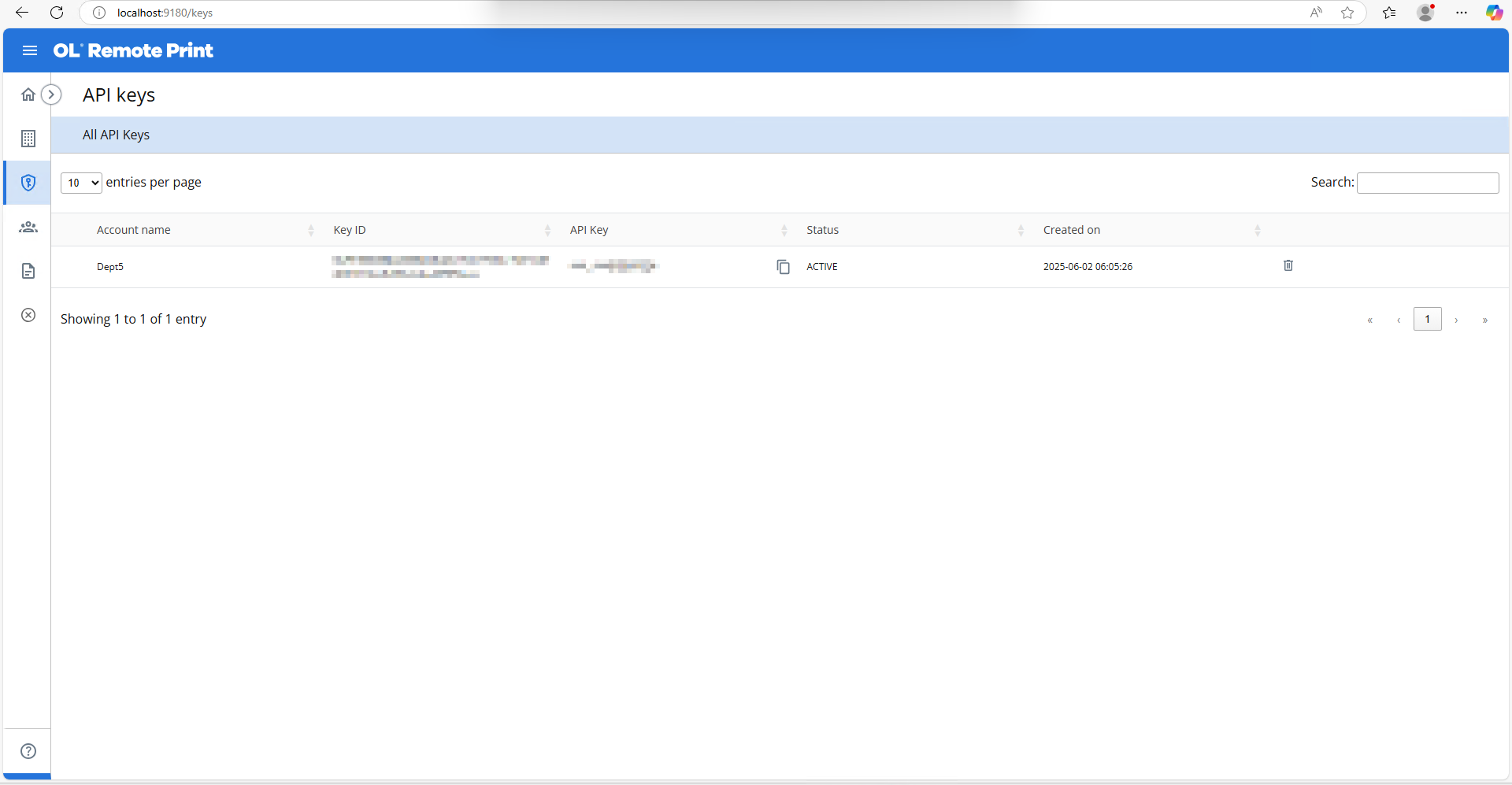
If the only key for an account is revoked, that account cannot print until a new key is assigned. Keys are added to accounts on the Manage accounts page.
Keys cannot be changed.
Note: One account may have multiple API Keys. For example, you can assign a unique key to each user in that account, instead of all users of that account sharing one key. However, a key can only belong to one account.