View users
The OLRP Server provides a management console that can be accessed by URL at the appropriate IP address and port, for example, http://127.0.0.1:9180. The left menu provides access to different features, Help, and can show icons or icons and descriptions using the toggle button in the upper left. By default, the console can only be accessed from the local machine where the OLRP Server is installed.
The Users page displays the list of users by username, information about their computer and network, information about the user including the account they belong to, and whether they are active or inactive.
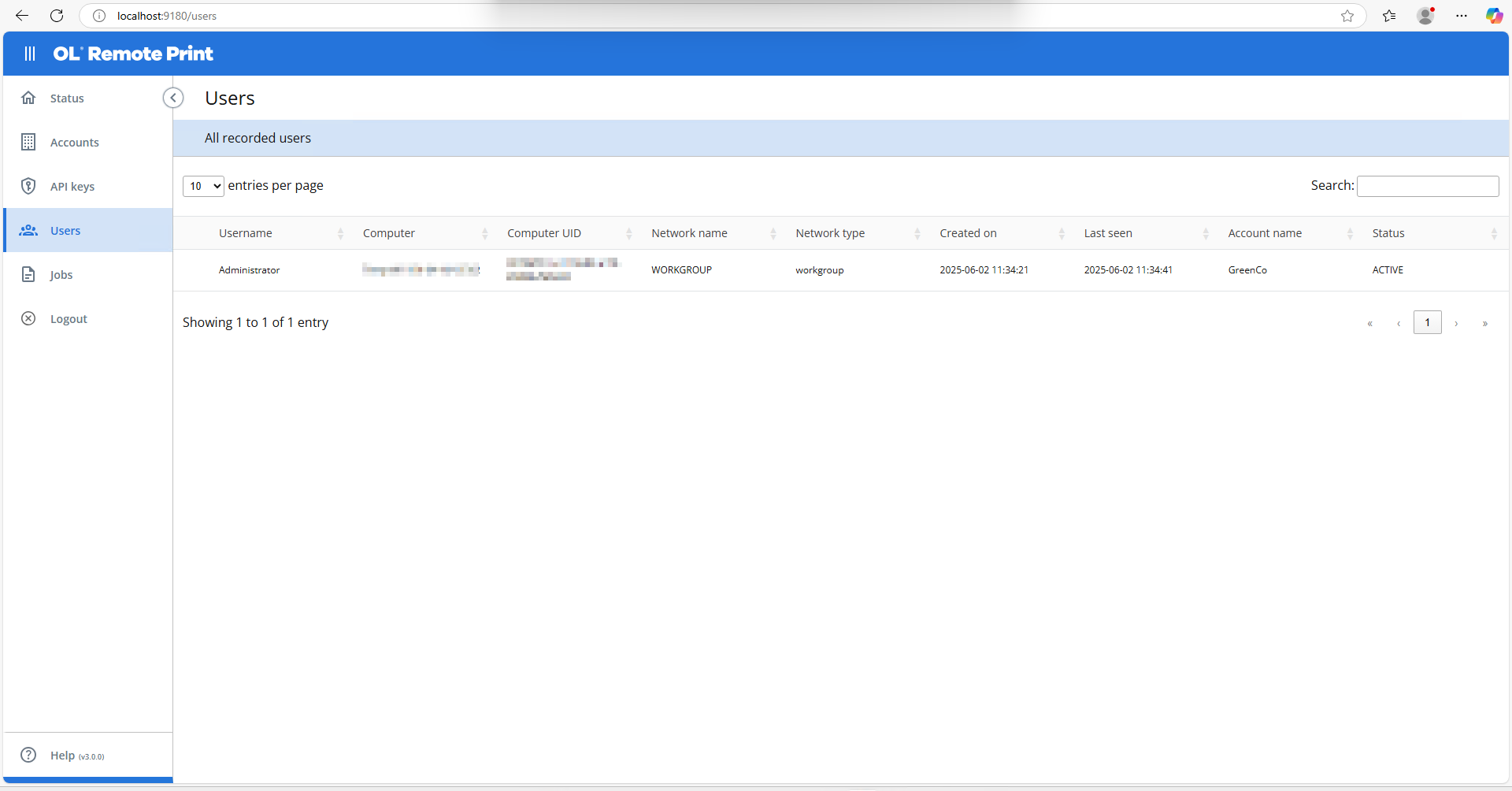
This list is for information purposes only. You cannot add, edit, or remove users, as they are automatically managed by the OLRP server, based on submitted jobs.
Monitoring user information can be helpful when using User-based licensing