Setting up data syncs
Note: You must have Administrator access to work with data syncs in Mobile Commons. For assistance, contact Technical Support.
To start configuring your data integration:
-
Select
 Home in the left pane, and then select Data Sync.
The CRM Data Sync page lists the out-of-box CRM systems that you can sync with Mobile Commons:
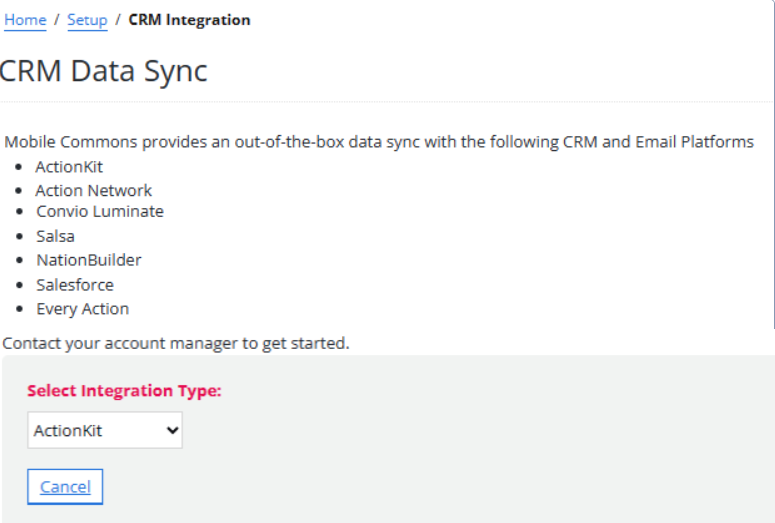
From the CRM data sync page:
Tip: If your company needs to sync with CRMs we don't currently support or to build out custom implementations for our out-of-the-box syncs, you can work with Frakture, a third-party vendor that can build custom integrations. For more information, see the Frakture website (https://www.frakture.com).