Getting Started with the Email Designer
The Adestra Email Designer provides you with the tools to quickly create emails by adding and arranging content rows (Layouts) and populating your layouts with content (Elements).
To get started with the Email Designer:
-
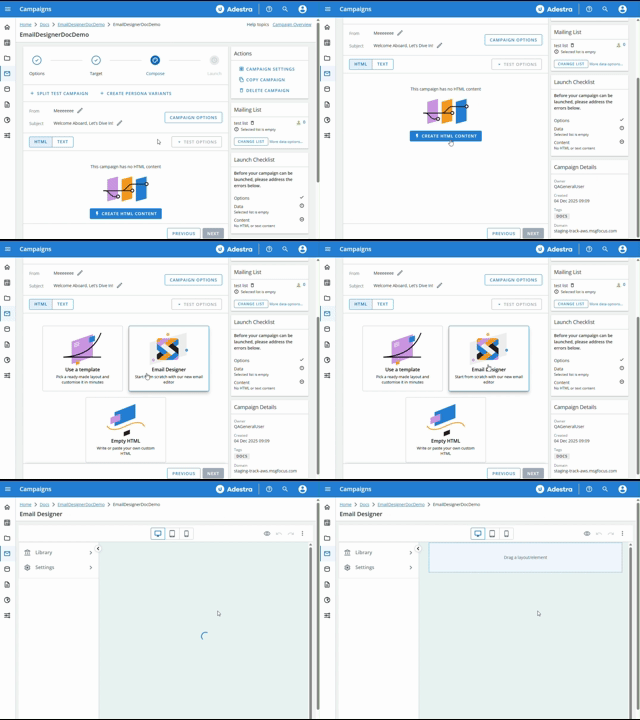
When you get to the Compose page, press the Create HTML Content button.
-
Select Email Designer.
On the Designer page:
-
Use the Library to drag and drop Layouts and Elements to structure your email.
Tip: the Email Designer also supports the use of templates (Themes) for starting from a common design structure.
-
Add headings, text, HTML, buttons, or media content to your email elements.
-
Compare views for desktop, tablet, and mobile screens.
-
Adjust settings to fine tune your design.
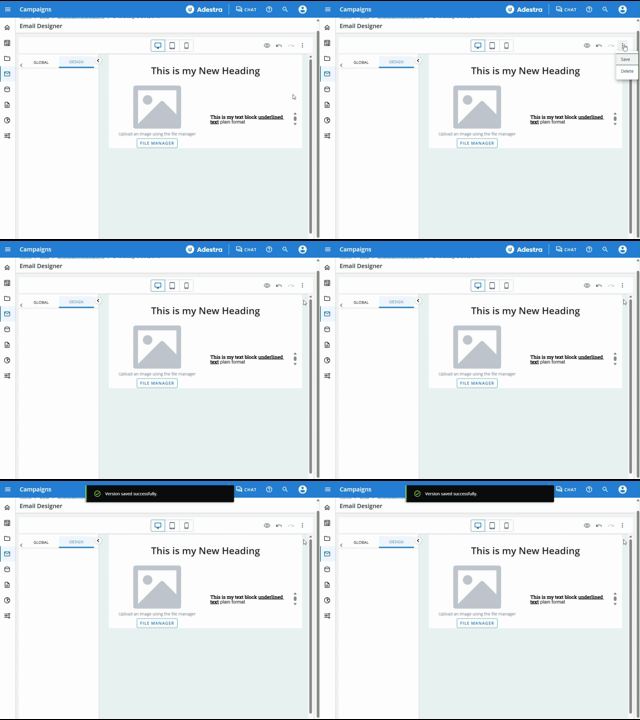
Tip: at any time, open the See More  menu and save your email design.