Email Designer
The Email Designer is currently in a beta release phase. To participate in the beta release or for more information about Email Designer, contact your Customer Success Manager.
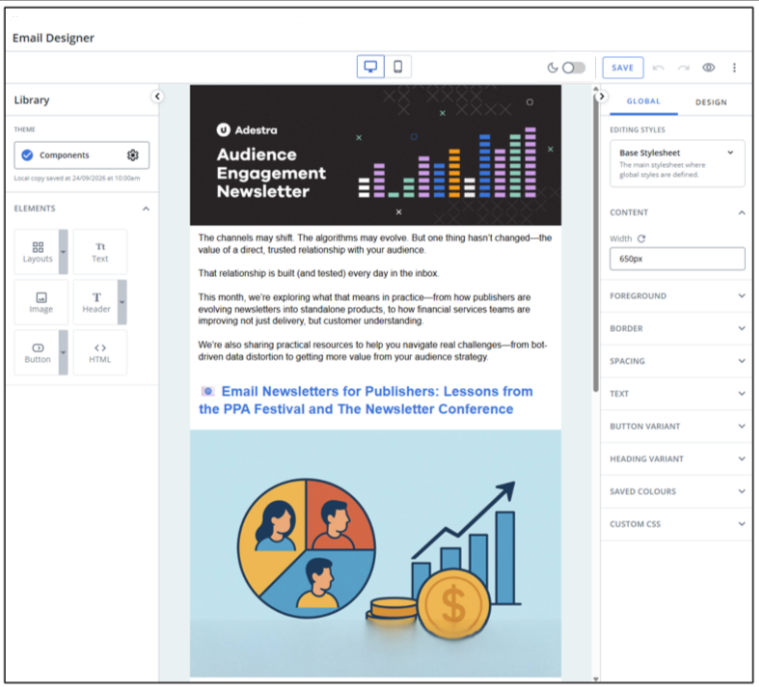
The Email Designer is a new tool available in the campaign creator for composing email content, utilising drag-and-drop content layouts and elements.
Email designer help articles
Changelog
24-March-2026
-
UX updated to remove empty-element class details.
-
Improved drag-and-drop to allow moving of existing elements into empty rows.
-
UX improved to make fields and dropdowns more consistent in appearance.
-
Updated the text editor to allow styling for links and editable padding.
-
Fixed a bug where the checked theme does not update to the newly selected theme when changing themes.
-
Updated default line height for headings.
-
Updated background settings to allow color/image to be set when the row/cell has no elements.
-
Added editable margins to buttons.
-
Updated Themes list so that newly created themes are instantly added without needing to refresh the page.
17-March-2026
-
Improved text alignment parameters to prevent text overflowing the element.
-
Made image links persist when moving an image between elements.
-
Updated anchor link warning message to reference email clients instead of browsers.
-
Improved cropping previews to make it easier to recrop an image.
-
Adjusted link popup location so links on the first line of the first row are accessible.
-
Updated accordion menu styling in global settings to match the design settings menu.